Selling and allocating books
Library book sales and class book-list allocations share the catalogue and store stock. Open Library → Sales, Book Lists or Book Allocation, according to the task.
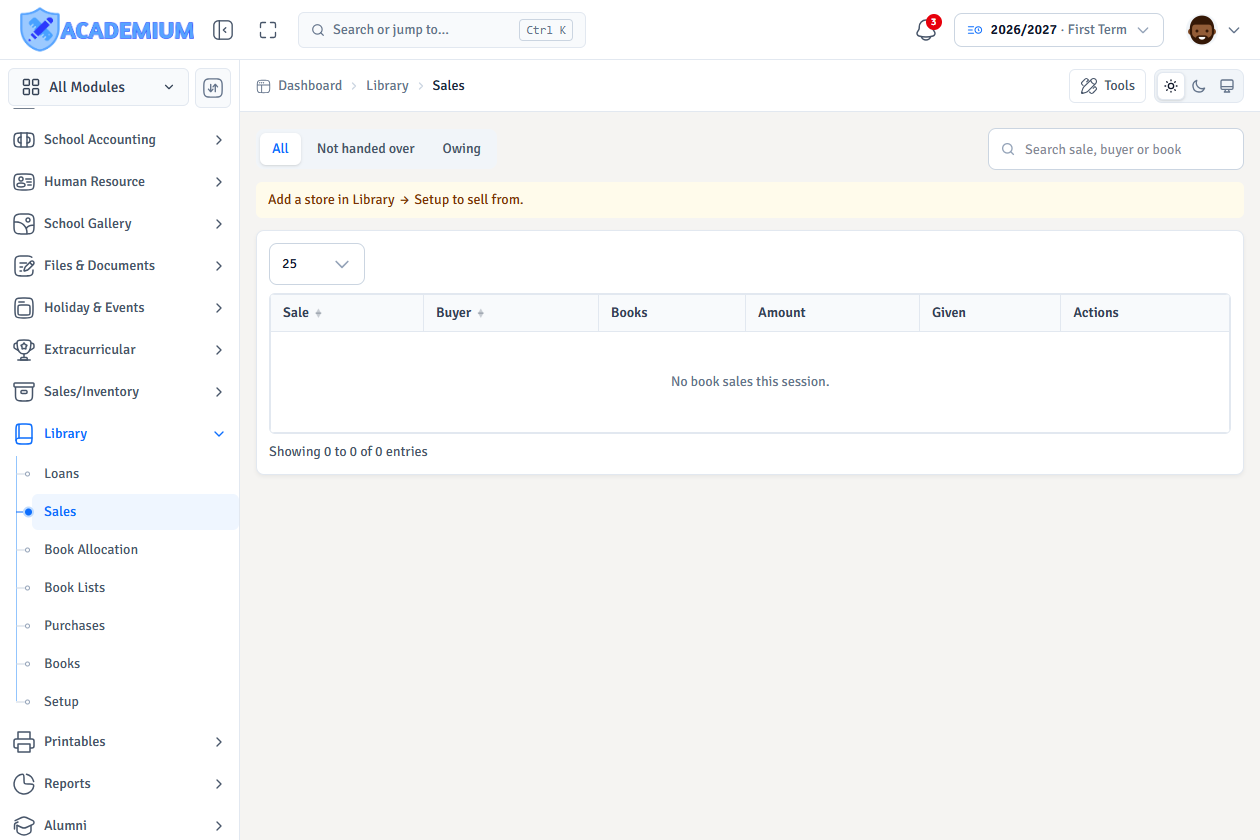
Sell books
Choose the buyer: a student, a staff member or a walk-in buyer. Select the store, books and quantities, then check the bill. Prices come from the book catalogue.
Student sales are charged to the student's fee invoice. Collect them through Fees. Staff and walk-in buyers can pay at the library counter using the available account and payment method choices.
Creating a bill and handing over books are separate steps. Mark a whole bill or individual line Given when the books are actually handed over. This reduces store stock. Use the waiting or owing filters to follow up unfinished sales.
Prepare a reusable book list
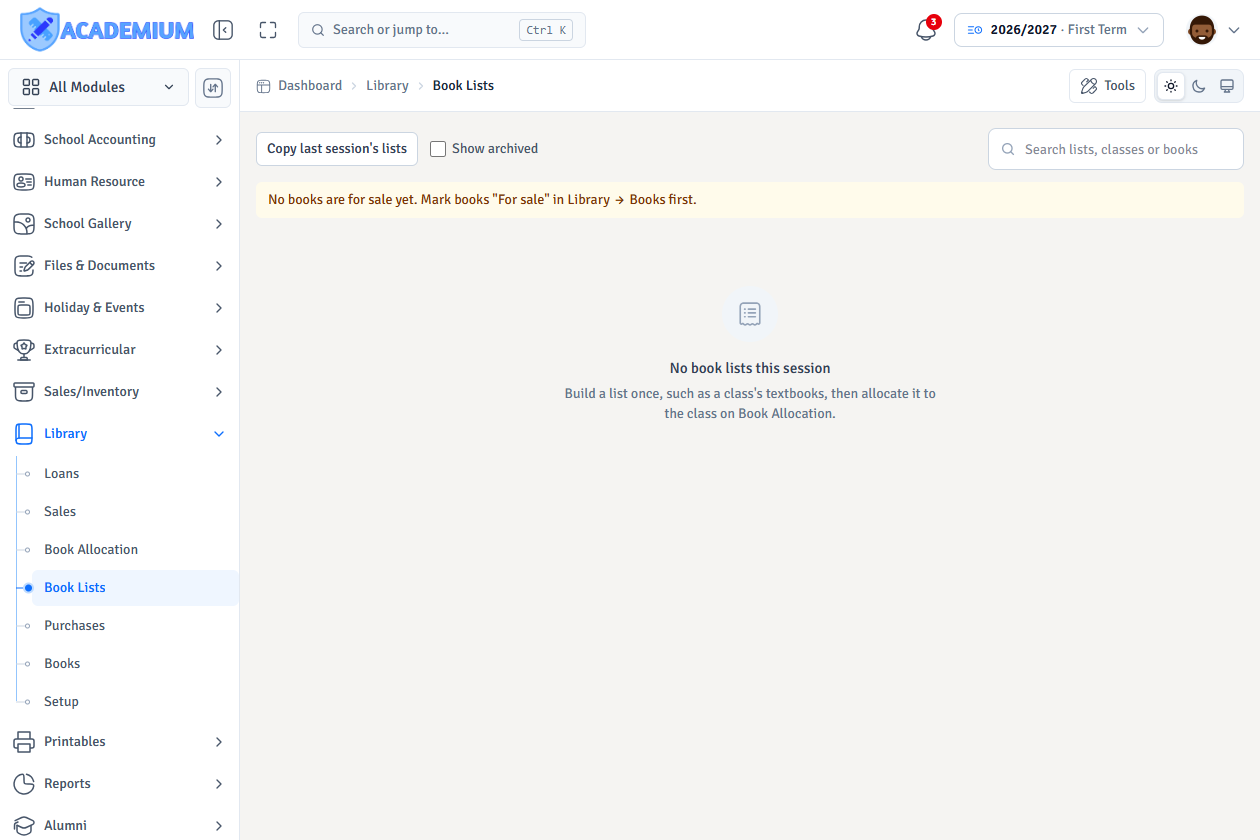
Open Book Lists, name the list and choose the class it serves. Add titles and quantities. Review catalogue prices before using the list. Archive lists that should no longer be used for new allocations.
Allocate a list to students
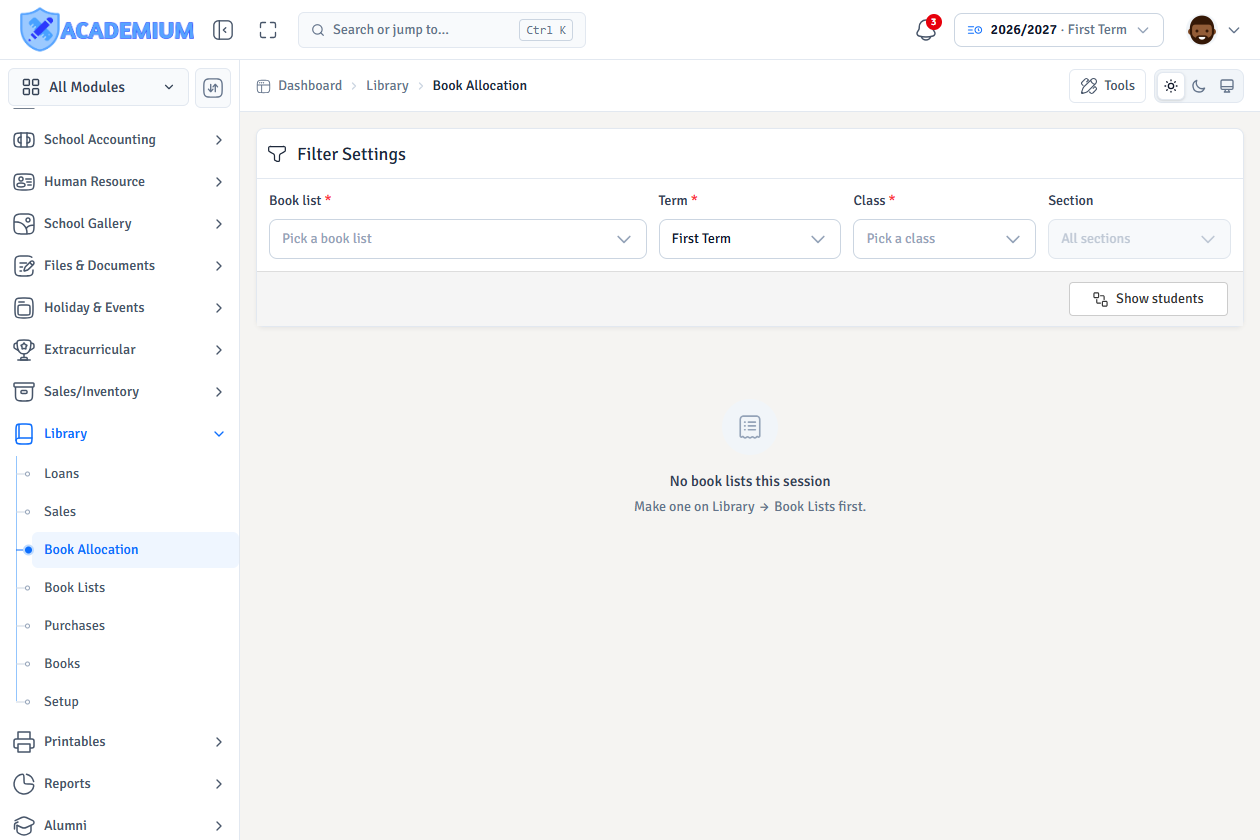
- Open Book Allocation.
- Choose the book list, term, class and section, store and due date.
- Load the students and tick those who should receive the allocation.
- Review quantities and amounts, then save.
Each newly selected student gets a book-sale invoice named for the list. Review any stock shortage: you can save an allocation before books arrive, but cannot mark unavailable stock as Given.
You cannot remove a student from an allocation after they have paid or received any books. Review the existing sale and payment before trying to change it.
A student is billed twice. Check existing allocations and sales before creating another bill. Payment in Fees does not mean another counter sale is needed.