Library fines and lost books
Library charges can arise from overdue, damaged or lost books. Review the school's rules under Library → Setup → Lending Rules before applying them.
Lost books
From Loans, mark the correct copy as lost. Check the borrower and accession number first. The charge uses the book's replacement price and the configured processing charge.
If a lost book is found, use its Found action. An unpaid lost-book charge can be removed through this process. Do not assume a payment already received will be automatically refunded.
Reviewing fines
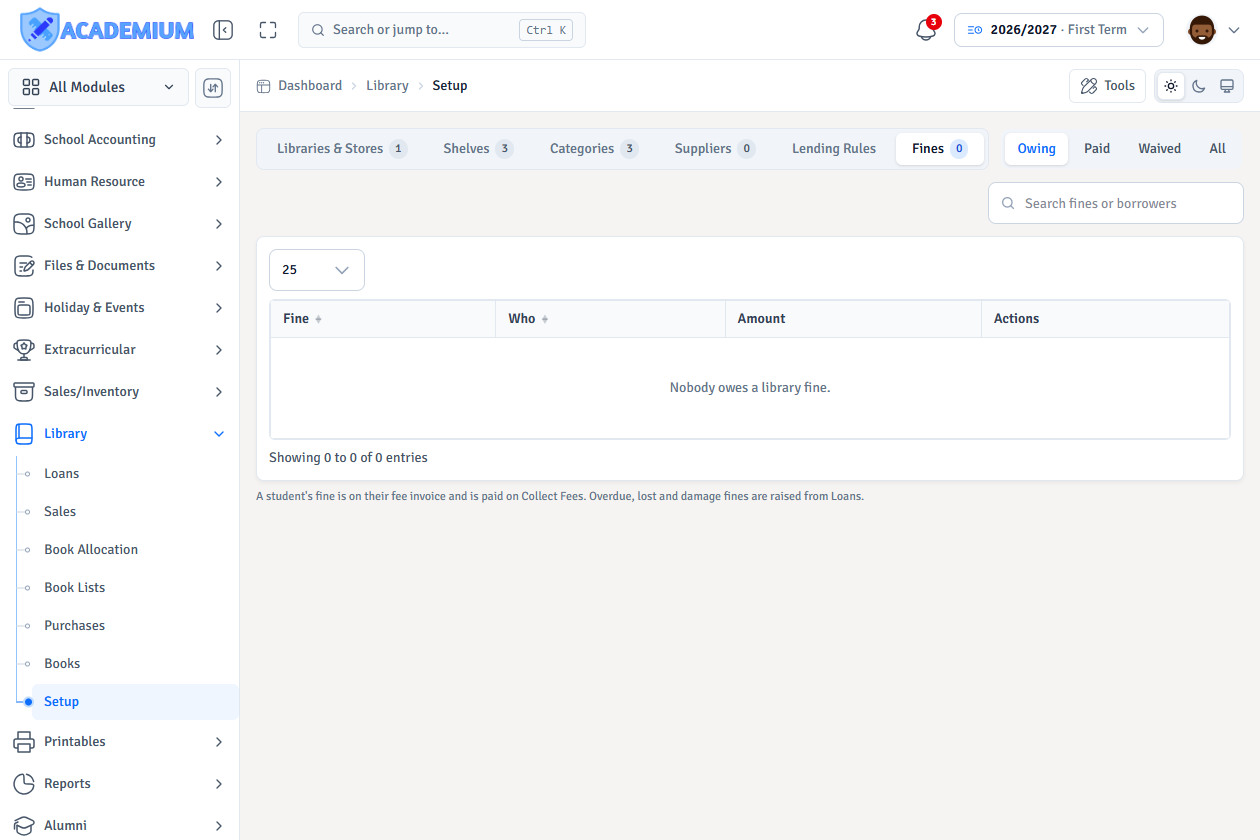
Open Library → Setup → Fines. Review the borrower, reason, amount and payment state. A staff member with the relevant permission can waive an eligible charge; use a waiver when the school has decided the borrower does not owe it.
Collecting money
- Students: collect the charge through the student's fee account, alongside their other invoices.
- Staff: use the library fine payment action, selecting the payment details it requests.
Check whether a charge has already been paid before taking money. A paid fine cannot be removed as though it never existed.
Works with other parts of SMS
- A student’s fine or replacement charge appears on their fee invoice, named for what it is, and is collected with their other fees.
Common problems
The amount is unexpected. Check the due date, grace period and fine rate, or the catalogue replacement price for a lost book.
A fine cannot be waived or removed. Check your permission and whether a payment has already been recorded.
A student cannot pay at the library counter. Student library charges are handled through Fees. Ask the authorised fee collector to open the student's account.