Library purchases
Use Library → Purchases to record books received from suppliers. A catalogue title alone does not add physical books to the school.
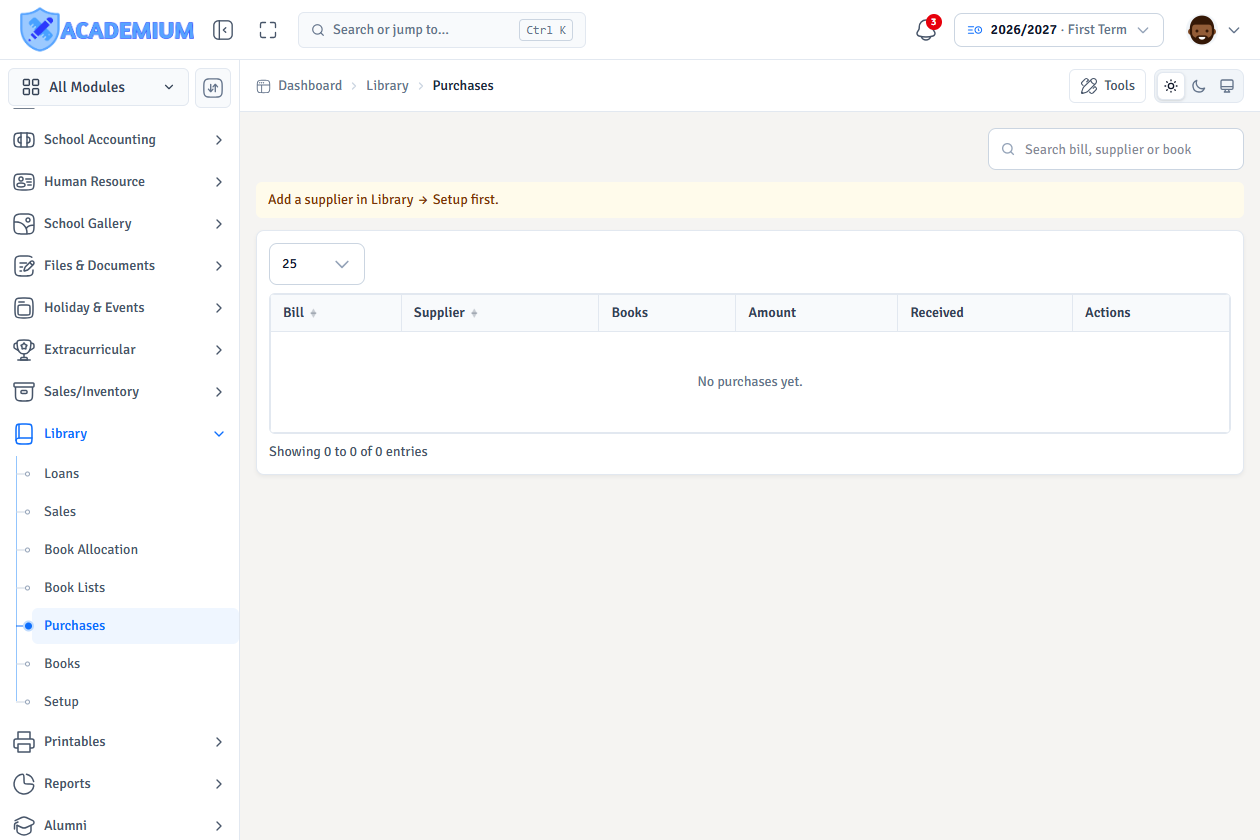
Enter a purchase
- Choose the supplier and record the bill details.
- Add each title, quantity and purchase cost.
- Choose whether the books are for a library as lending copies or a store as sale stock.
- Review and save the purchase.
Check the destination carefully. Books received into a store become sale stock; lending copies need a library destination and their own copy records.
Receive and pay
Record receipt when the delivery has actually arrived. Receiving adds the corresponding copies or stock. Payment is a separate action: recording what the school owes is not the same as recording money paid.
Check the supplier, amount, payment details and remaining balance when paying. Use the purchase list and Reports → Library → Purchases to follow up supplier bills.
Books do not appear as available. Check that the purchase has been received and that you chose the correct library or store.
A lending copy cannot be scanned. Open its title and check the copy's accession number and location, rather than using the supplier's invoice number.
Works with other parts of SMS
- Purchases become lending copies or sale stock in books and stock.