How school fees work
The Student Accounting menu lists collecting payments first, because that is what you do most often. When you set up fees, work through it in this order:
| Step | Menu item | Article |
|---|---|---|
| 1. List what you charge for | Fees Type | Fees Type |
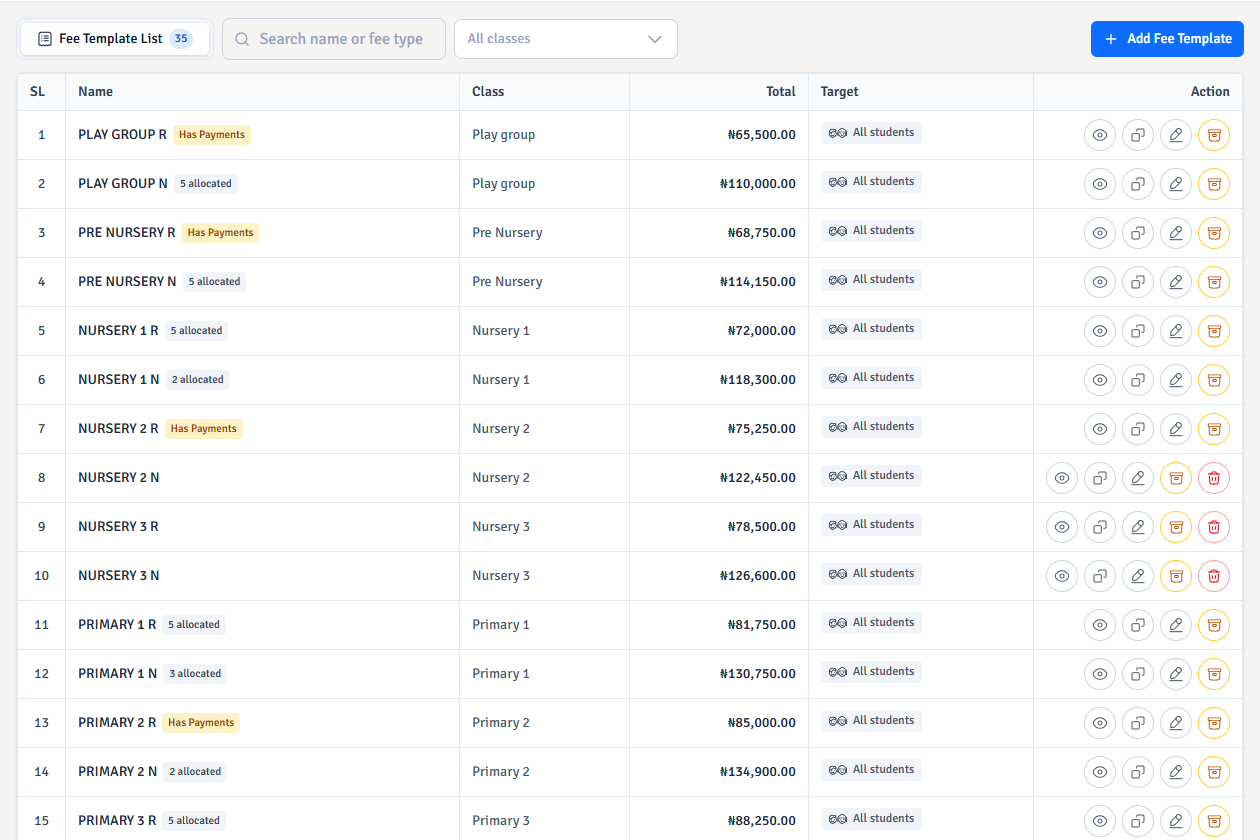
| 2. Decide what each class pays | Fees Templates | Fees Templates |
| 3. Charge it to students for the term | Fees Allocation | Fees Allocation |
| 4. Optional: late-payment fines | Fine Setup | Fine Setup |
| 5. Take payments | Invoices / Fees Payment | Collecting a fee payment |
Student Accounting needs a plan that includes it. Transport and hostel charges are set up in their own menus and appear on the same invoice.
Works with other parts of SMS
- Every charge to a student lands on the same invoice: school fees, transport, hostel, products from Sales & Inventory and library book sales and fines. Each is paid, discounted or carried forward like any other fee.
- Scholarships, once approved, become discounts on the student’s fees.
- Families can pay from the family wallet, topped up by hand or by transfer into a virtual account.
- Payments are recorded in school accounting against the account they were received in.
- Send invoices and receipts to parents by email or WhatsApp.
- Parents with the parent portal see term totals, each fee line and recent payments.
- Unpaid balances carry forward when you promote students; fee write-offs can wait for approval rules.
- Catch Up flags fees paid twice and fee setup missing for a new session.