Sending records by email
The record-email tool prepares supported school documents, such as fee invoices and receipts, for the selected families.
The school mailbox must be set up, and your role must allow sending and access to the selected records.
Prepare a send
- Open the send-records action and choose an available record type.
- Choose the relevant recipients, period and document options.
- Review the email addresses and any missing-address information.
- Review the subject, message, supported placeholders and sign-off.
- Confirm the send.
Only record types enabled in the dialog are available. A coming-soon option cannot be sent yet.
Follow both stages
The task first prepares each parent's documents and figures, then hands the messages to the mailbox for delivery. Follow the counts and any reported problem.
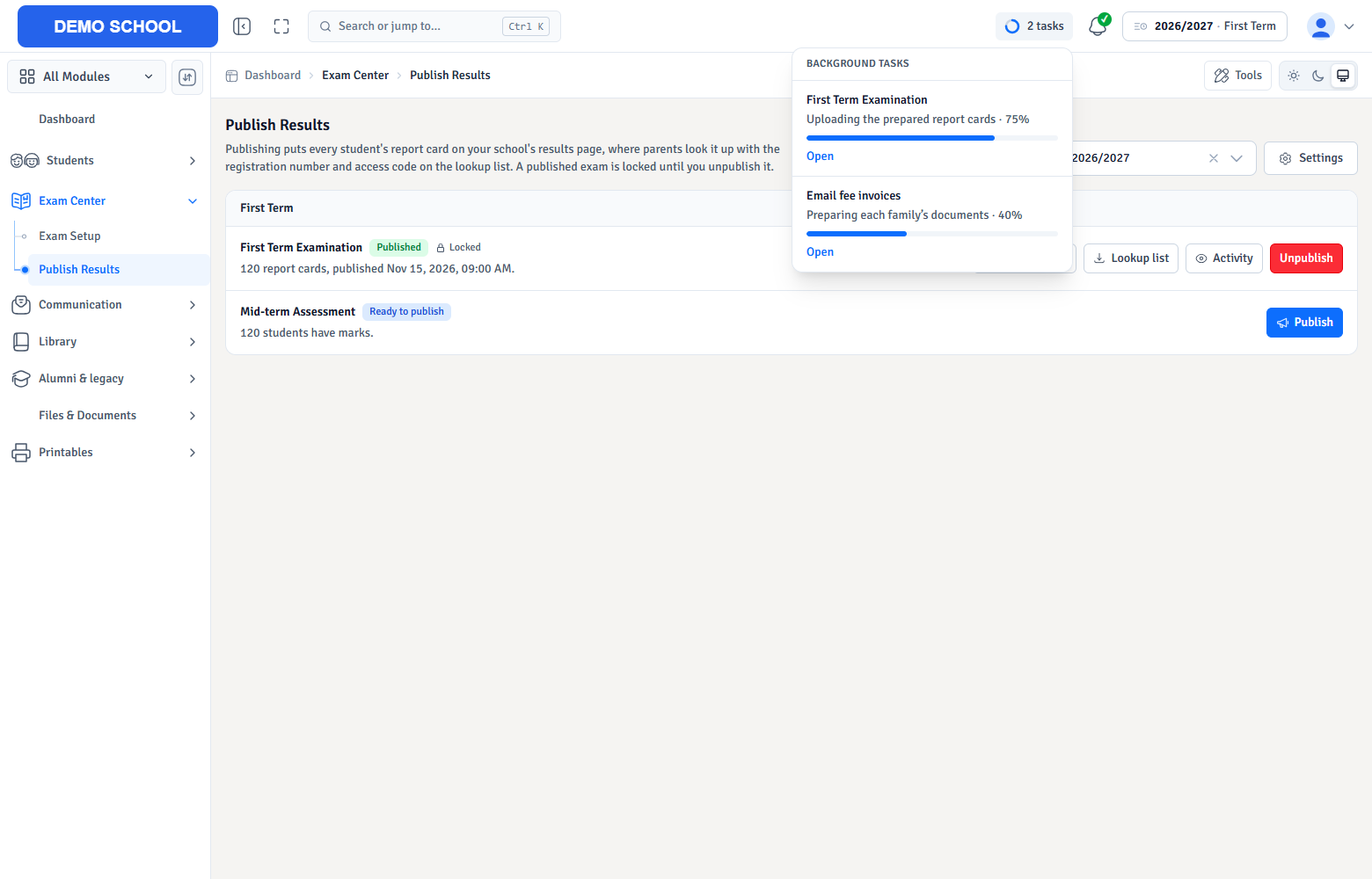
You can move to another page and use Background tasks to check progress. Keep the installation running and connected while it still needs to prepare or upload work.
Do not start another copy of the same send merely because it is taking time. Check the current task first.
Works with other parts of SMS
- Invoices and receipts come from student accounting; the same dialog can send by WhatsApp.
- Sending runs as a background task.
Common problems
A parent has no usable address. Correct the parent record and review the recipients again.
A document or amount is unexpected. Check the selected period, children and document options before sending.
The count says handed to the mailbox. That is the sending handoff, not confirmation that a parent opened the email.
To send a student's wider school history with an expiring download link, use Sharing student records.