Emailing groups of parents
Use the email broadcast tools to prepare a message for a group of recipients from the school mailbox. You need the relevant sending permission.
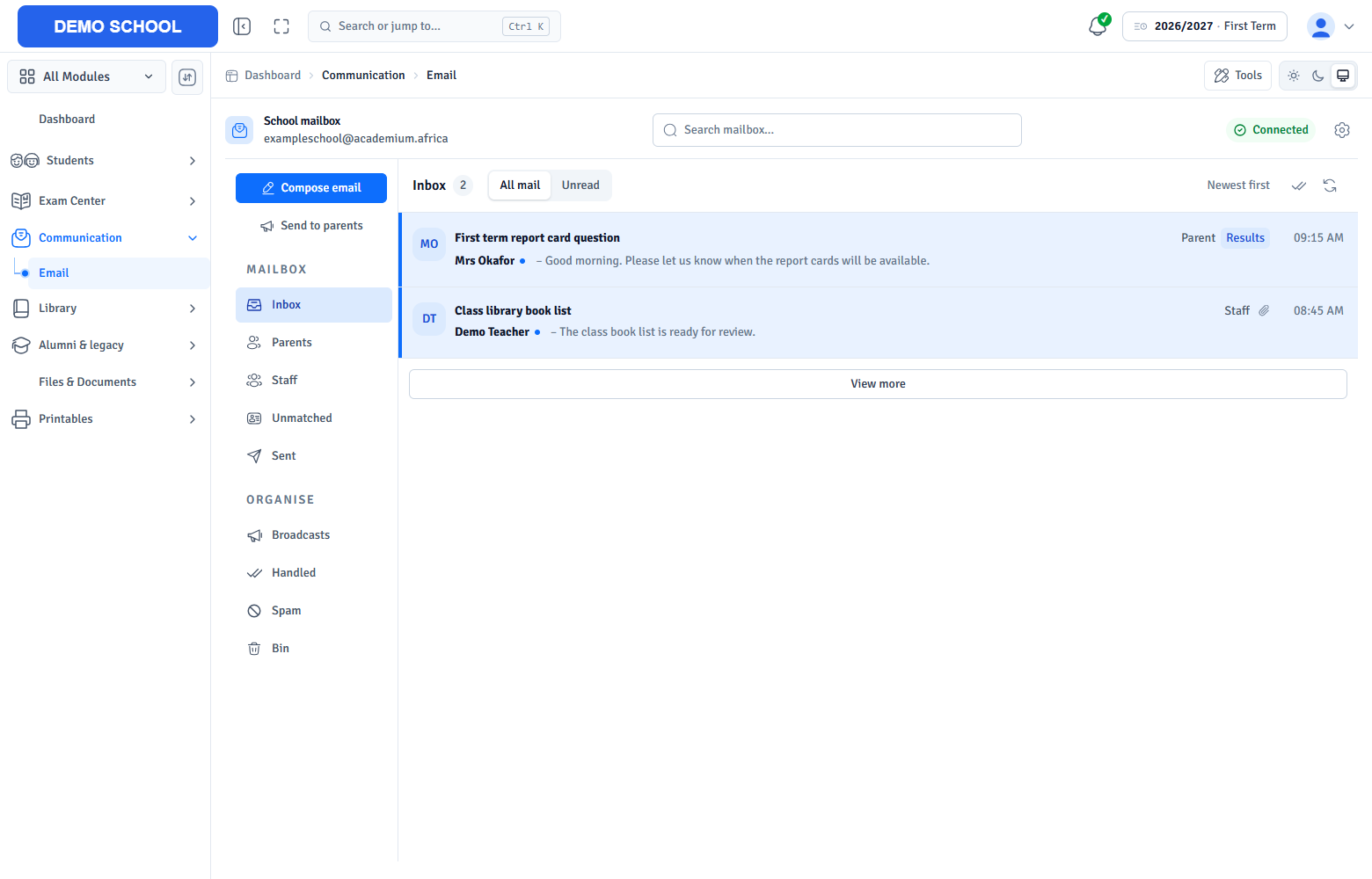
Prepare the audience and message
- Open the broadcast action in Communication → Email.
- Choose the supported recipient group and filters.
- Review the selected recipients and email addresses.
- Add the subject and message.
- Use the supported placeholders when you want personal details such as the parent's name, children, school or term.
- Review the message before starting the send.
Correct missing or incorrect email addresses in the original parent records before relying on them for a broadcast. A child's school record does not guarantee that a usable parent email address has been entered.
Check progress
Follow the send's status and reported problems. Work may be queued or waiting for a connection.
A message handed to the mailbox is not proof that the parent has read it. Check any reported delivery failures before assuming that everybody was reached.
Works with other parts of SMS
- Audiences come from parent records; with fee permission you can choose parents by what they owe.
- For the same notice on WhatsApp, see Sending WhatsApp messages.
Common problems
The intended family is absent. Check the chosen audience, filters, parent record and email address.
Personal details are not replaced as expected. Use the placeholders offered by the tool rather than inventing new ones, and check the preview.
The message needs an individual invoice or receipt. Use Sending records by email so SMS prepares the supported documents.