Checking results before reporting
A student submitting a paper completes the attempt. The school still needs to finish marking and decide which results count in reports.
1. Confirm the reporting period
Check the session and term, the class and section, and the subject. A correct score can appear absent when you are viewing a different period.
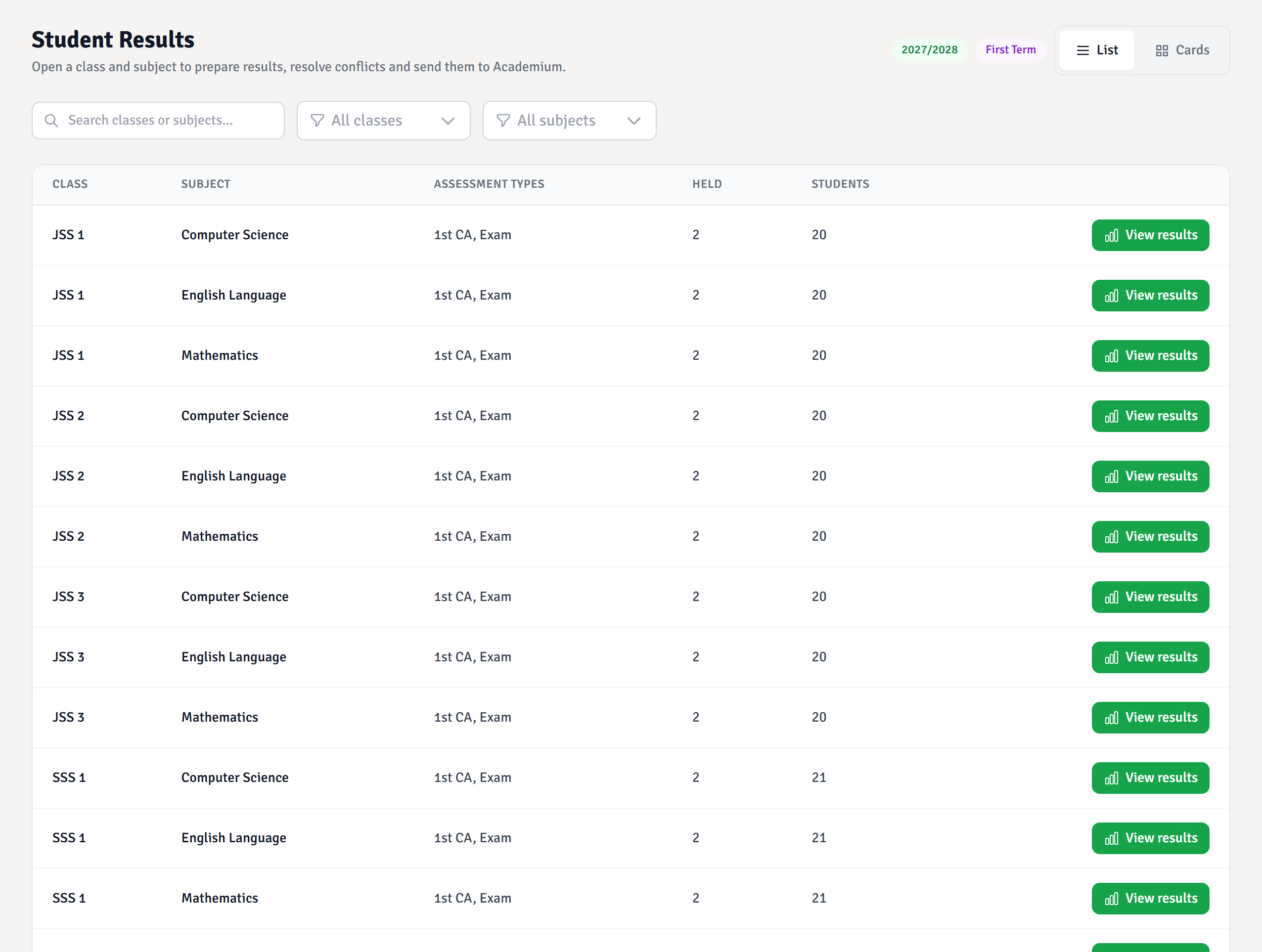
2. Finish theory marking
Open Report Center → Manual Grading and review the intended schedule. Complete the pending short and long answers and wait for the marks to save.
Treat a score as provisional while theory marking is outstanding. See Manual Grading.
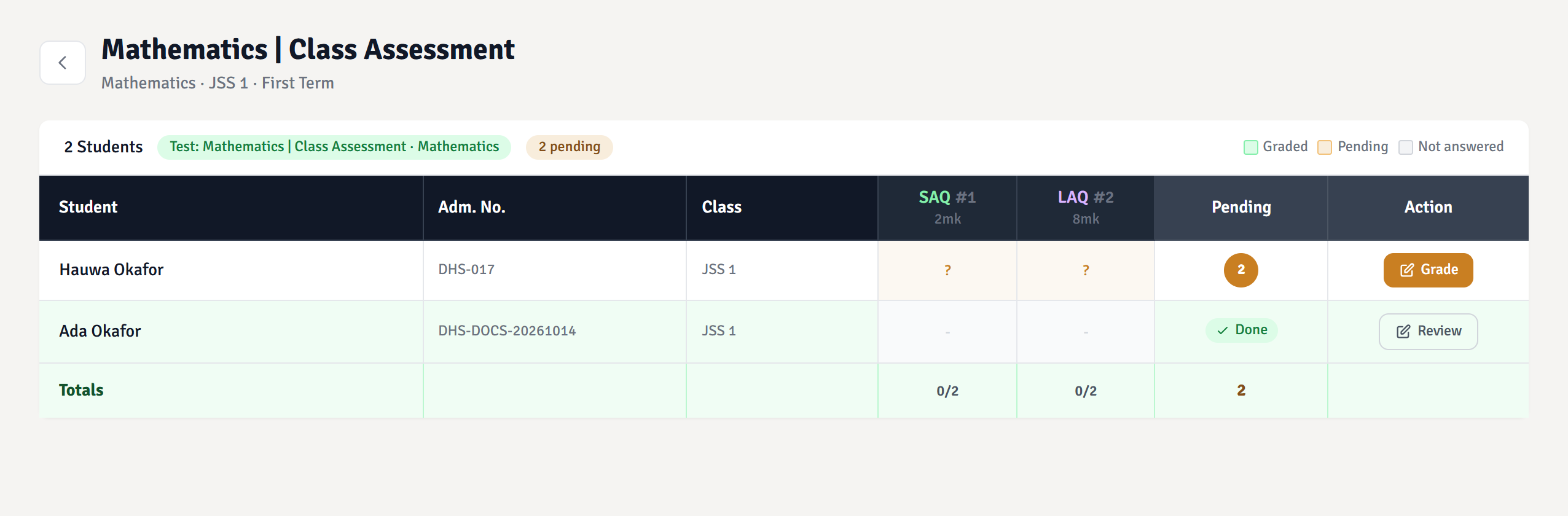
3. Check the assessment types
Open Report Center → Student Results and load the class and subject. Confirm that each score appears under the intended assessment type, such as 1st CA, 2nd CA, or Exam.
A paper’s title alone does not decide its report column. Its assessment type must match the school’s reporting arrangement.
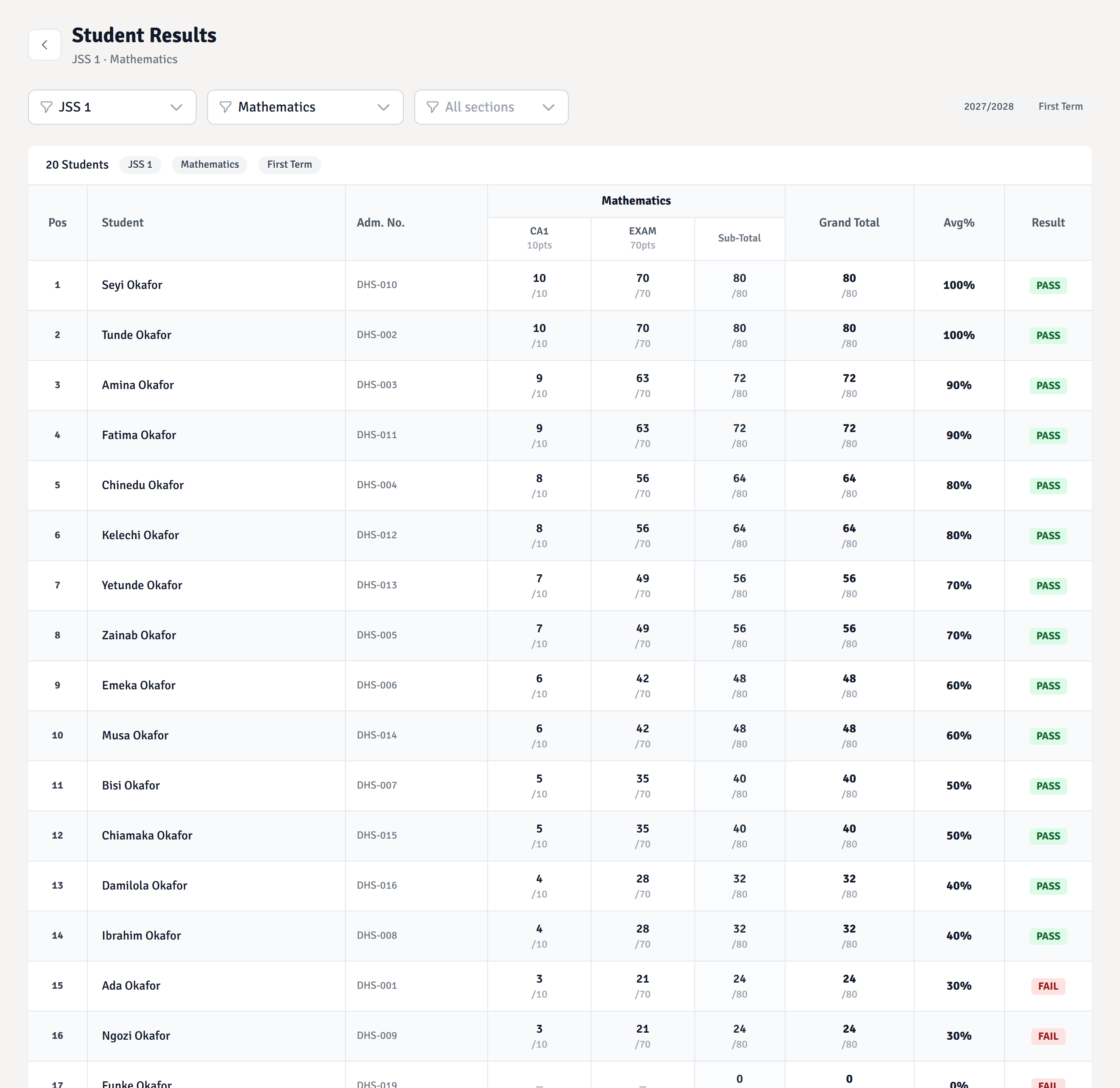
4. Resolve repeated attempts
If a student has more than one scored attempt for an assessment type, review the conflict and choose the official attempt.
Auto-resolve All selects the highest score. Use it only when that matches the school’s policy; a highest score is not automatically the correct resit decision.
See Student Results.
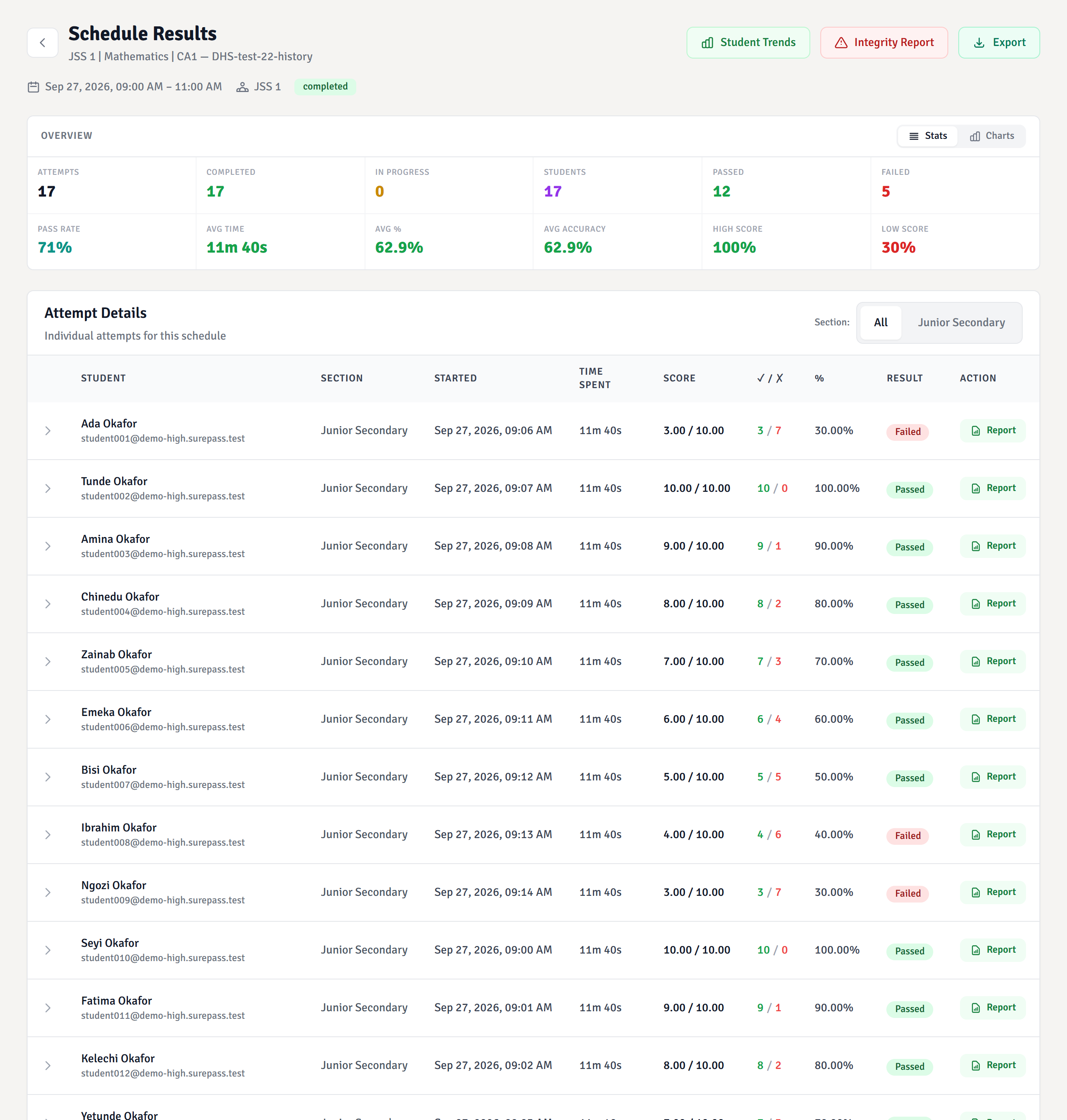
5. Review school summaries
Use Broadsheet to check results across subjects. Use Printables to preview report cards for the selected students.
Check names, class, subject coverage, pending marks, and conflicts before printing or distributing a report.
6. Send scores to SMS where appropriate
A School Owner or School Admin can prepare the SMS export. Check student links, subject and assessment mapping, the destination exam, and the push mode.
Review what will change in the preview before confirming. Choose the mode that matches the intended handling of scores already in SMS.
See Sending results to Academium SMS.
If something is missing
Check publication and academic-record choices as well as marking. A paper hidden from the academic record will not be treated the same as a published official result.
Use School troubleshooting for the checks before re-entering scores or rerunning an assessment.