School assessment checklist
Use this checklist before a class test, a formal exam, or a resit.
School and paper
- The intended academic session and term are active.
- The correct subject and assessment type are selected.
- Students are in the right classes and sections.
- Every class has the required objective and theory sections.
- Every section has reviewed questions and correct answers.
- The duration, marks, attempt limit, navigation, and tools match the school’s instructions.
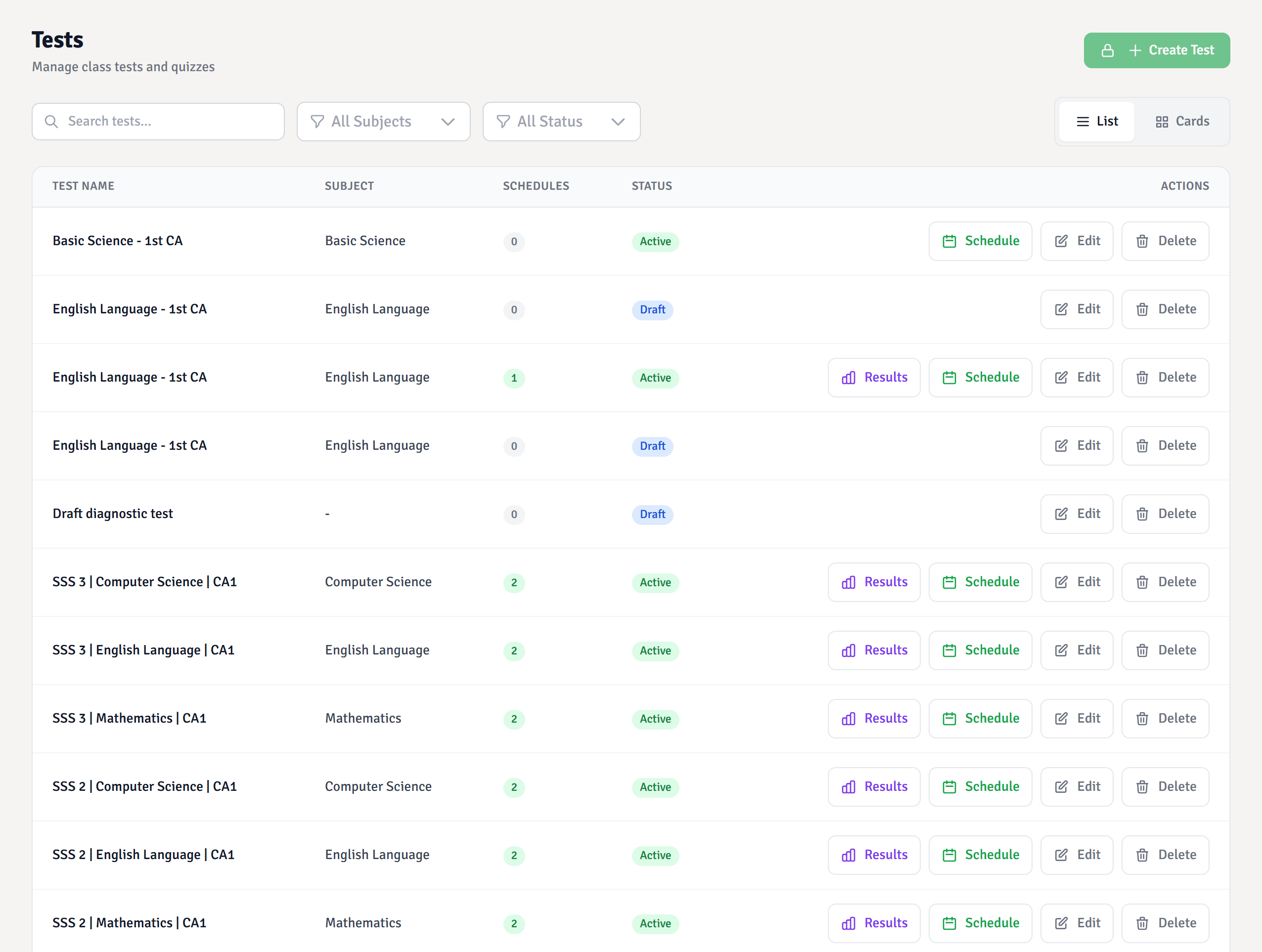
- The paper is published.
Schedule
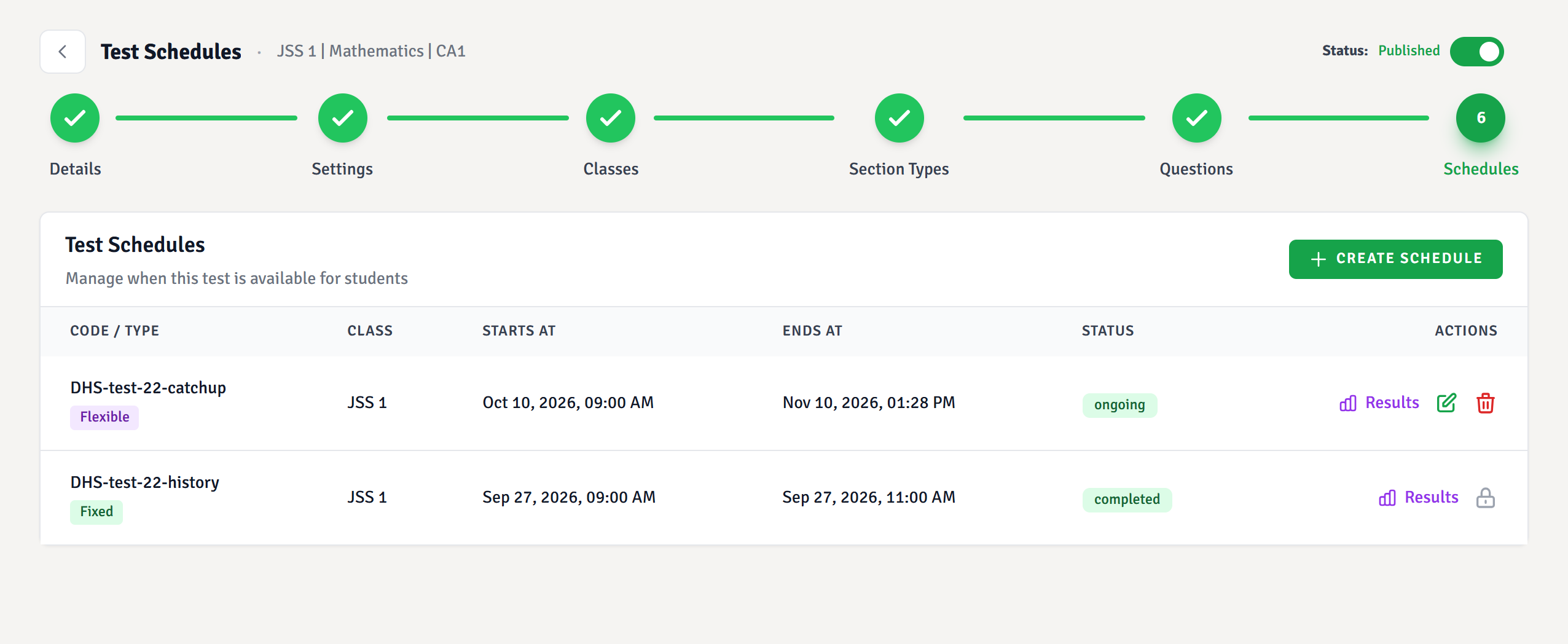
- Start and end dates and times are correct.
- Fixed or Flexible timing suits the sitting.
- The intended classes and sections are included.
- The entry grace period is intentional. A value of 0 allows joining while the schedule is active; a positive value closes new entry after that many minutes.
- The schedule has the intended status.
- Any special instructions are correct.
See Scheduling a test.
Lab and sign-in
- The school server is running.
- Client computers can find and reach it.
- The lab layout matches the room.
- Faulty seats are unavailable.
- Students are assigned seats when seating is enabled.
- Computer codes match the seats used in the plan.
- Students have their own sign-in details.
- Any required temporary-password dockets have been prepared.
See Seating and temporary passwords.
Supervision
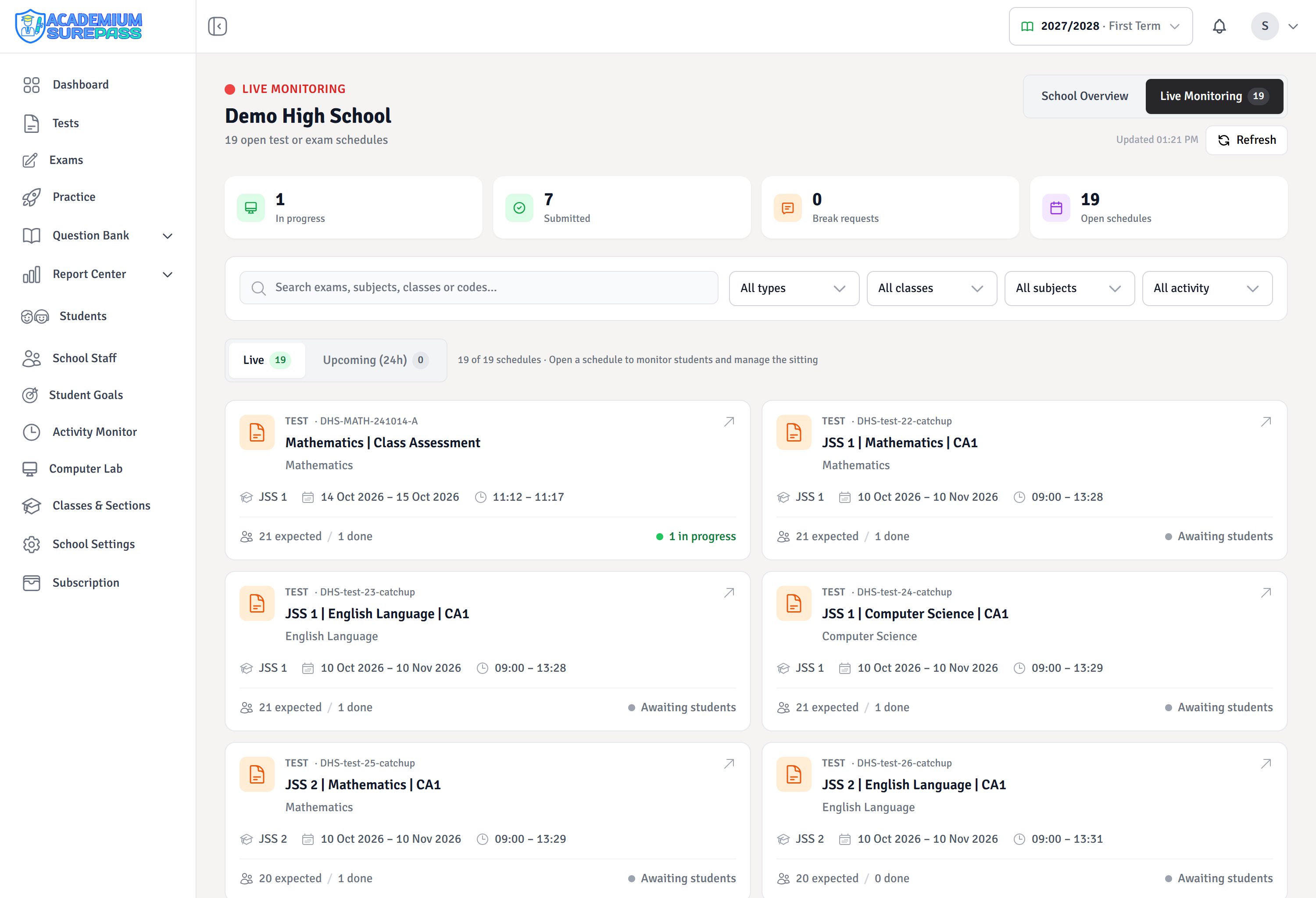
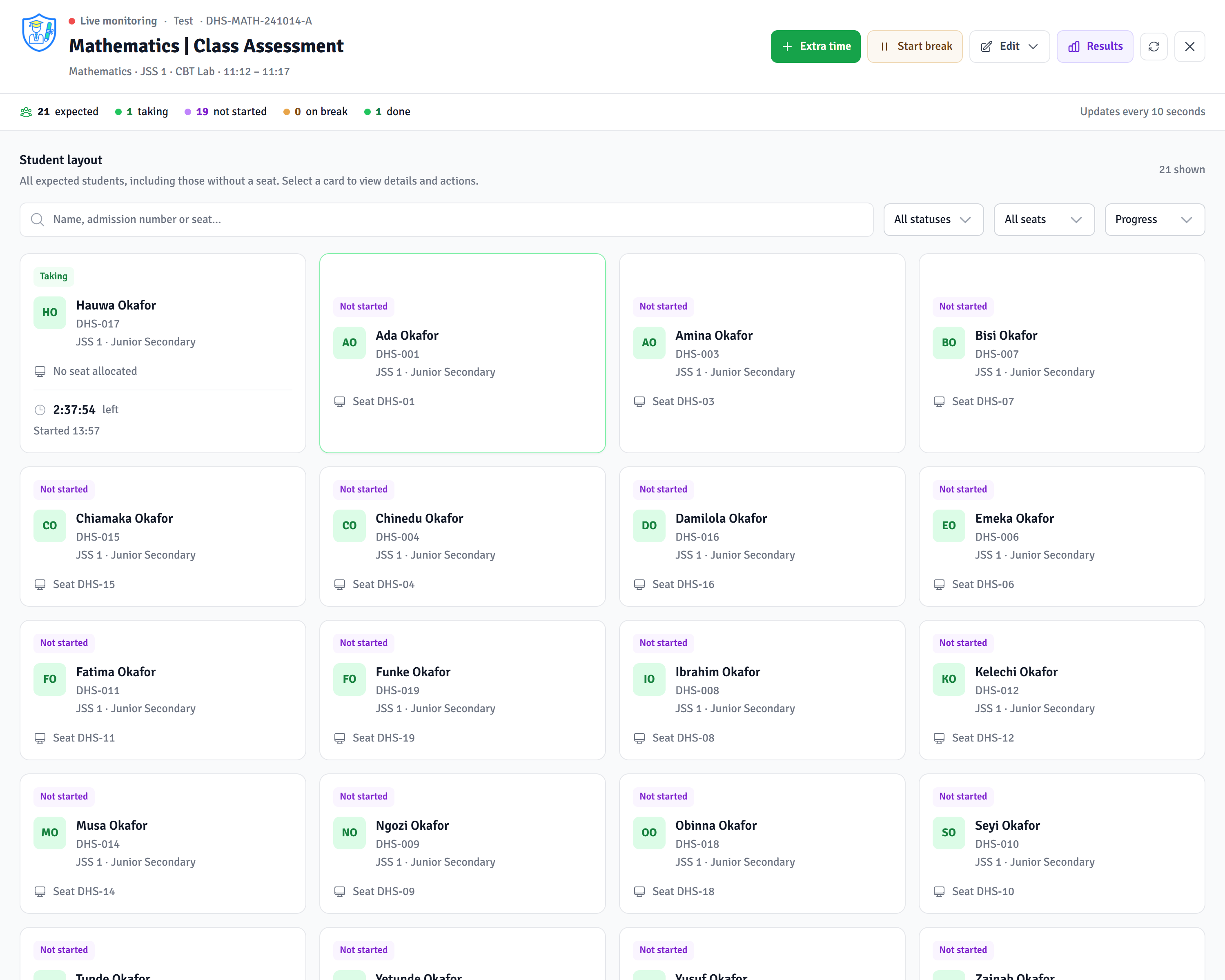
- Staff can open the correct schedule in Live Monitoring.
- Invigilators know how to review break and access requests.
- Staff know how to grant extra time or change a seat after a fault.
- Everyone knows which class or student the live controls will affect.
After the sitting
Confirm submissions, complete theory marking, resolve conflicts, and check the official results before exporting or printing.
For connected schools, review the SMS result preview and push mode before sending scores. See Checking results before reporting.