Result access and fee rules
Open Publish Results → Settings to manage the school's results-page address and access rules.
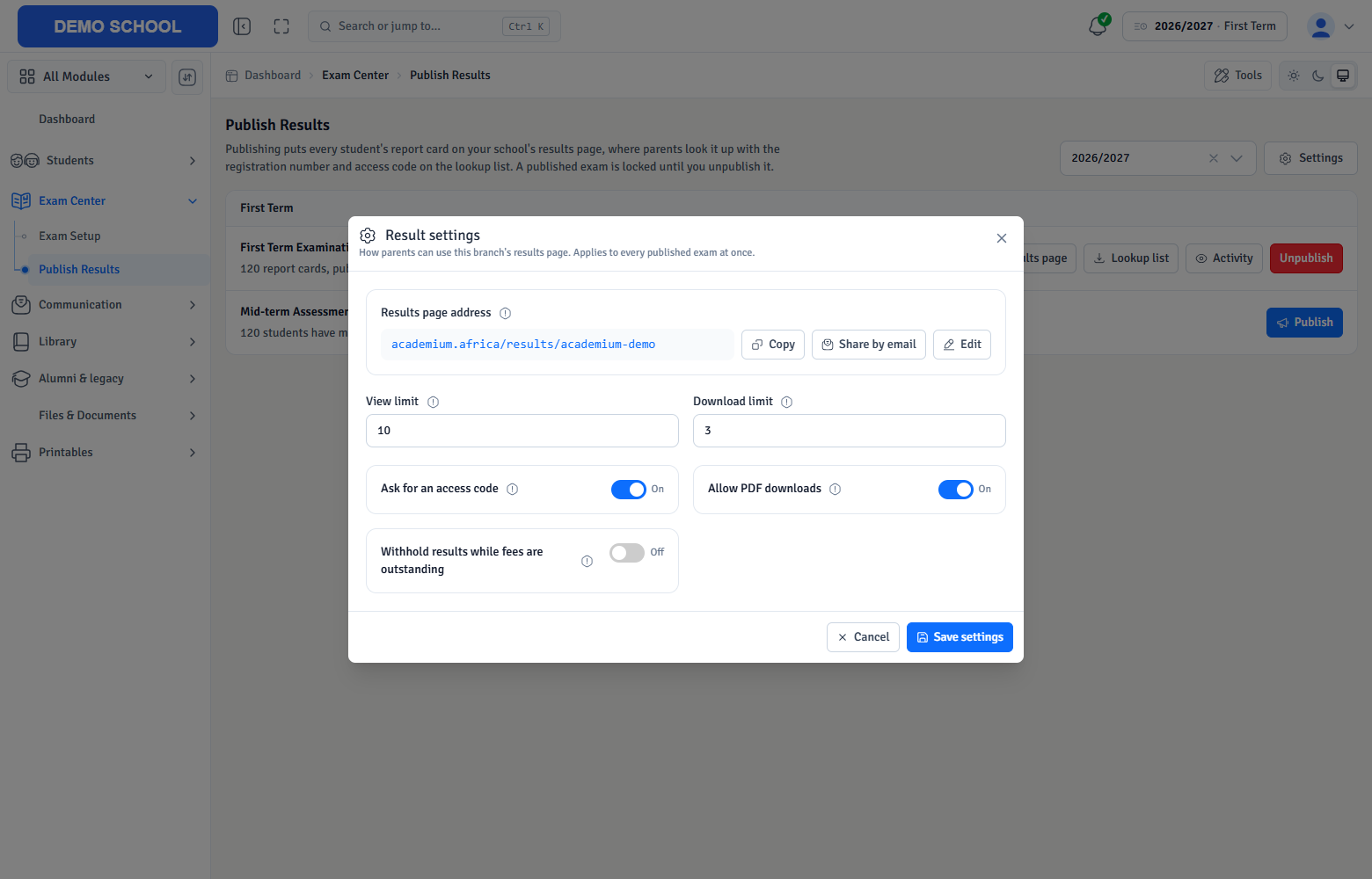
Registration numbers and access codes
With Ask for an access code on, a family needs the child's registration number and the access code from the lookup list.
Turning codes off allows a result to open with the registration number alone. Choose this deliberately: anyone who knows that number may be able to open the result.
Views and PDF downloads
- View limit controls how many times a student's result can be opened for an exam. Leave it blank for no view limit.
- Allow PDF downloads decides whether families can download the report card.
- Download limit allows up to five downloads per student and exam. After the final allowed download, the card is removed until an authorised staff member renews it from Activity.
A view allowance and a download allowance are different. A family may be able to view a result while its PDF download is disabled or unavailable.
Withholding scores for outstanding fees
Turn on the fee rule to withhold scores while a student owes. The family can see the subjects but not their scores and cannot download the report card while the rule withholds it.
Optionally choose the percentage that must have been paid before the full result is shown. With no percentage threshold, any outstanding balance can withhold the result.
The fee rule needs the fee figures included with publishing, so invoice attachment is required when the school rule is on. Check which charges are included. After recording a payment, allow the connected installation to update the portal and check the current figures; a disconnected computer cannot update the online page immediately.
Give one exam its own rules
Open an exam's result settings to keep School setting or give a particular rule its own value. A rule left on School setting follows later changes to the school's defaults.
If the portal cannot be reached, the app may show the last known settings or keep a change pending on this computer. Read that message and confirm the pending change reaches the portal before telling families that online access has changed.
Changing the results-page address
Copy the address from Settings. Changing it stops the old address from working. Update any messages, printed lookup lists and notices that contain the old address.
Works with other parts of SMS
- Fee rules read each student’s balance from student accounting.