Wishlists and earned titles
Saving rewards for later
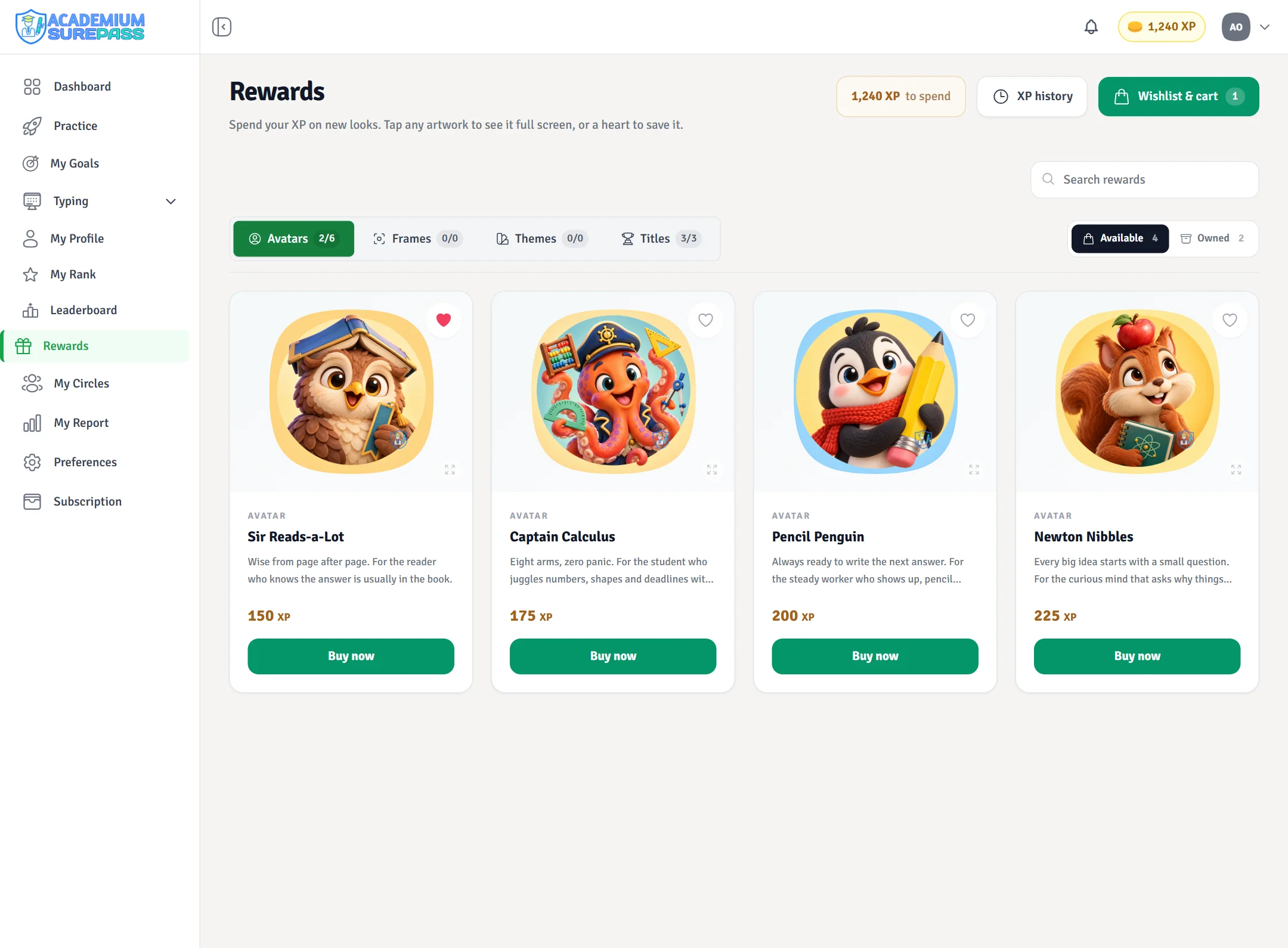
Use an item's heart in Rewards to add it to your wishlist. Saving it does not buy it or spend XP. Remove the heart to stop saving it.
Review saved items and their current prices before checking out. You can arrange your priorities where the wishlist offers ordering.
Optional automatic buying
Automatic buying is a separate choice from saving an item. Read the confirmation before enabling it:
- An affordable eligible item may be bought immediately.
- Other enabled items can be bought when you later earn enough XP, following your priorities.
- The XP is spent on the purchase; it is not just a reminder.
- A price increase can pause automatic buying until you approve the new price.
- Unavailable items and purchase restrictions can prevent a purchase.
Turn automatic buying off for items you no longer want it to buy. Check recent purchases and your XP history if your balance changes.
Earned titles
On the Titles tab, read each achievement's conditions. Some need repeated activity or a particular result. A progress indicator, where shown, helps you see what remains.
A title's win count is different from owning several avatars. Repeatable titles can be earned again, and an award may include XP.
Your Hall of Fame in My Profile collects earned titles. Shared achievements can also appear in expanded leaderboard cards, according to your leaderboard privacy choices. Titles do not have an Equip button.
See Rewards, My Profile and Leaderboard.