Rewards
Open Rewards to browse Avatars, Frames, Themes and Titles. Your XP balance is shown on the page.
Finding an item
Choose a category, search, or switch between available and owned items. Use Show more when there are more items. Open a preview to inspect an item before deciding.
Purchasable items show an XP price. Others have conditions, such as a rank requirement, an achievement or an offered country gift. Read the item's own action and conditions.
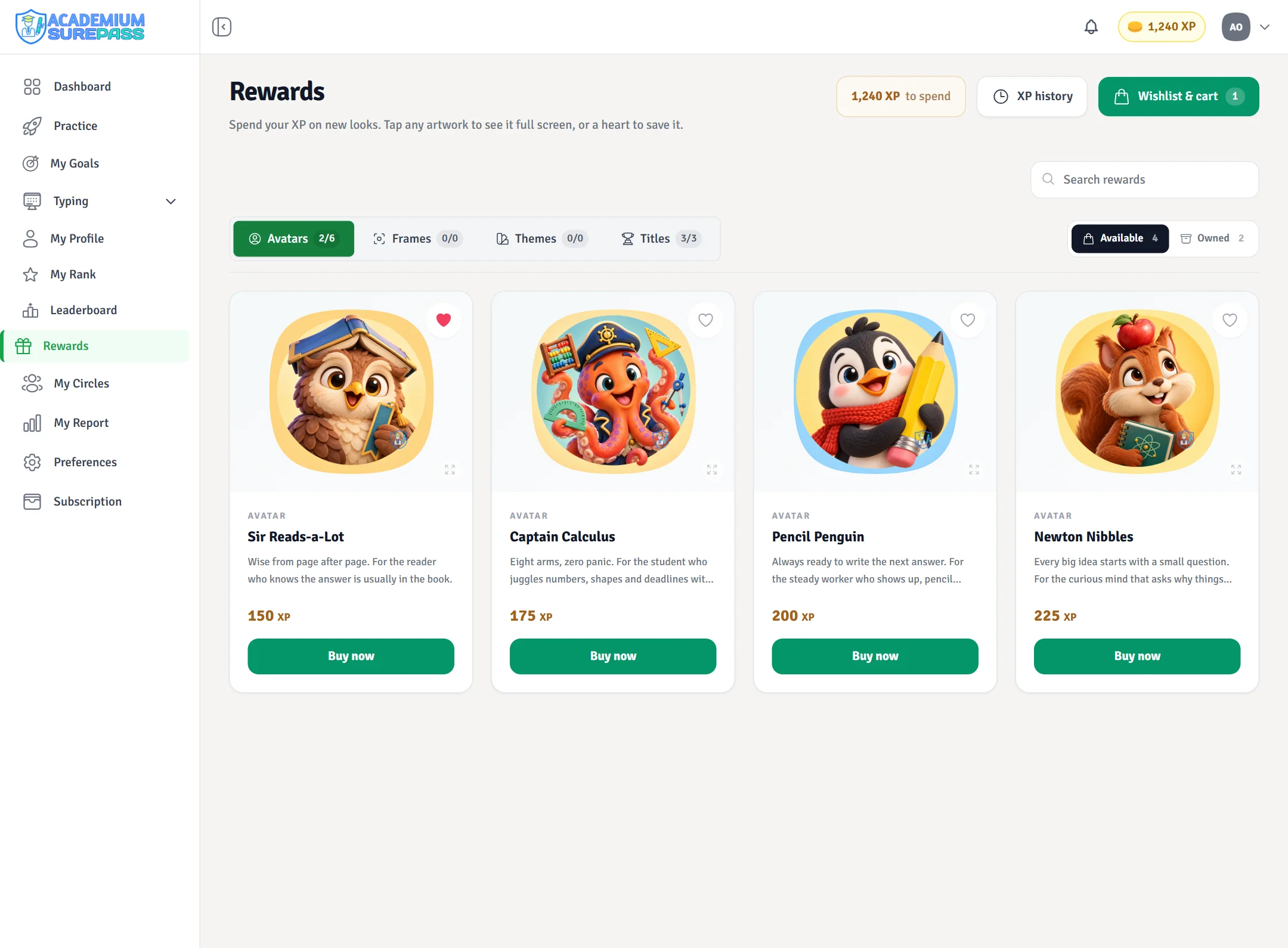
Buying and using rewards
- Check the item and XP cost.
- Confirm the purchase if you have enough XP and purchases are allowed for your account.
- Use Equip to wear an owned avatar, frame or theme.
Only one item of each of those types can be equipped at a time. Removing it changes your appearance; it does not refund its price. Buying an item and equipping it are separate actions.
Spending XP does not spend Rank Points. You can review spending in the XP history available from the page.
Trying a theme
A theme preview is not a purchase. Trying an unowned theme can cost XP each time; read the confirmation before continuing. Trying an owned theme does not have that unowned-theme cost.
Titles are earned
Titles are achievements, not items you buy or equip. Their cards show what you need to do, progress where available, wins and any XP award. Some titles can be won more than once.
Saving choices
Use the heart to save an item for later. Optional automatic buying is a separate choice and can spend your XP when its conditions are met.
Parents and teachers may disable reward purchases for managed accounts.
See Wishlists and earned titles and My Profile.