Quick practice
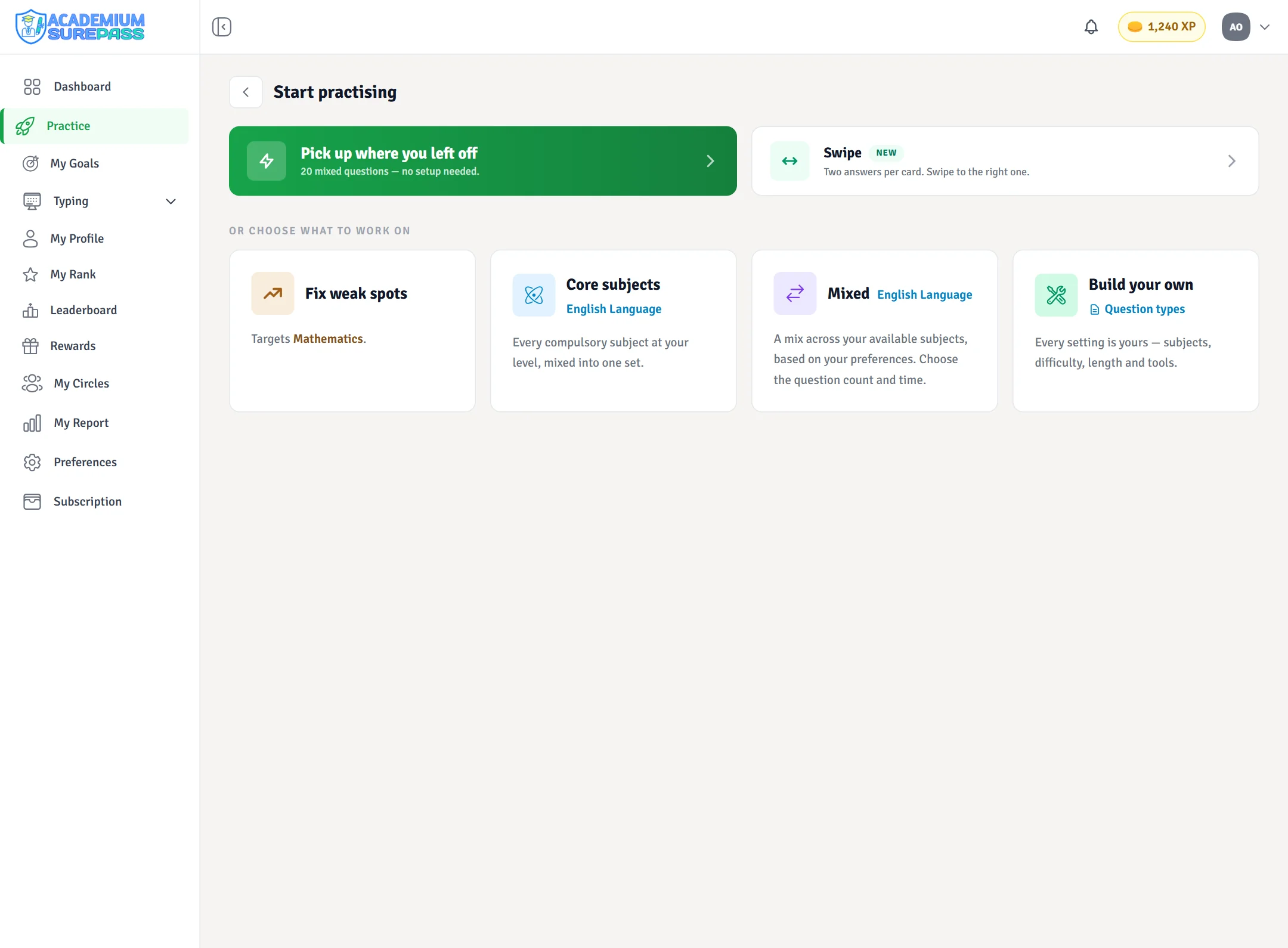
Choose Mixed or Core subjects for personal revision without the full practice form. Open Practice → Create Set and choose the option. It may also appear from a dashboard shortcut.
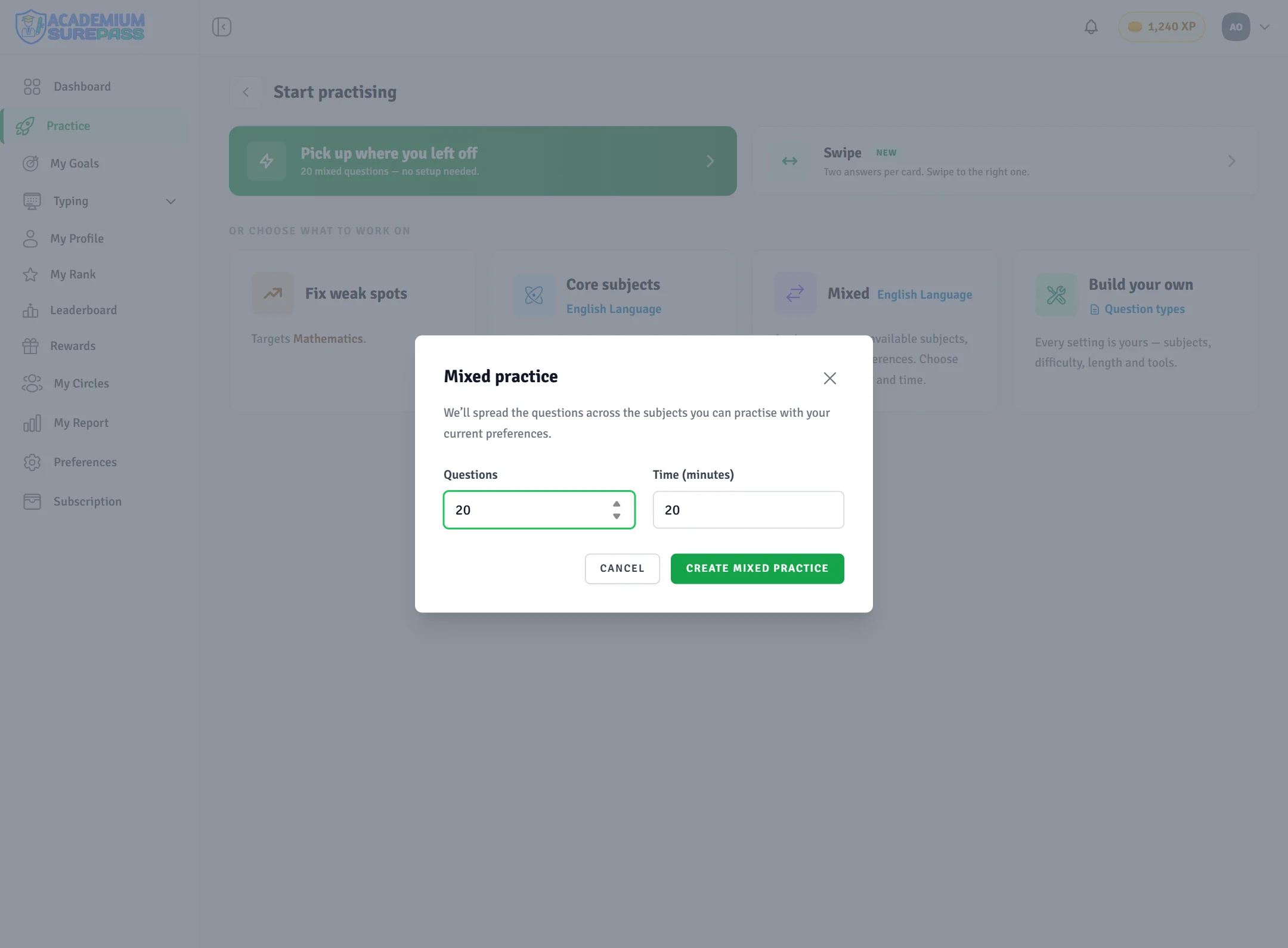
Mixed
Mixed draws across subjects in your active learning profile, using questions your account can access. It does not mean every subject stored on the computer.
- Choose Mixed.
- Set the number of questions.
- Set the time.
- Check your choices and start.
Core subjects
Core subjects uses the compulsory subjects available at your level. It also asks for the question count and time before starting.
If Practice options appears instead, or core practice is unavailable, check your learning profile and ready subjects. It cannot include a subject with no available questions.
Other choices
- Build your own opens the detailed creator.
- Question Library lets you select individual questions.
- Fix weak spots uses completed practice to identify a weaker area. It needs enough results to recommend one.
If too few questions match, reduce the count or broaden the available selection. Let a pending focus change finish first. Read usage notices instead of repeatedly submitting a request that exceeds the remaining allowance.