My Goals
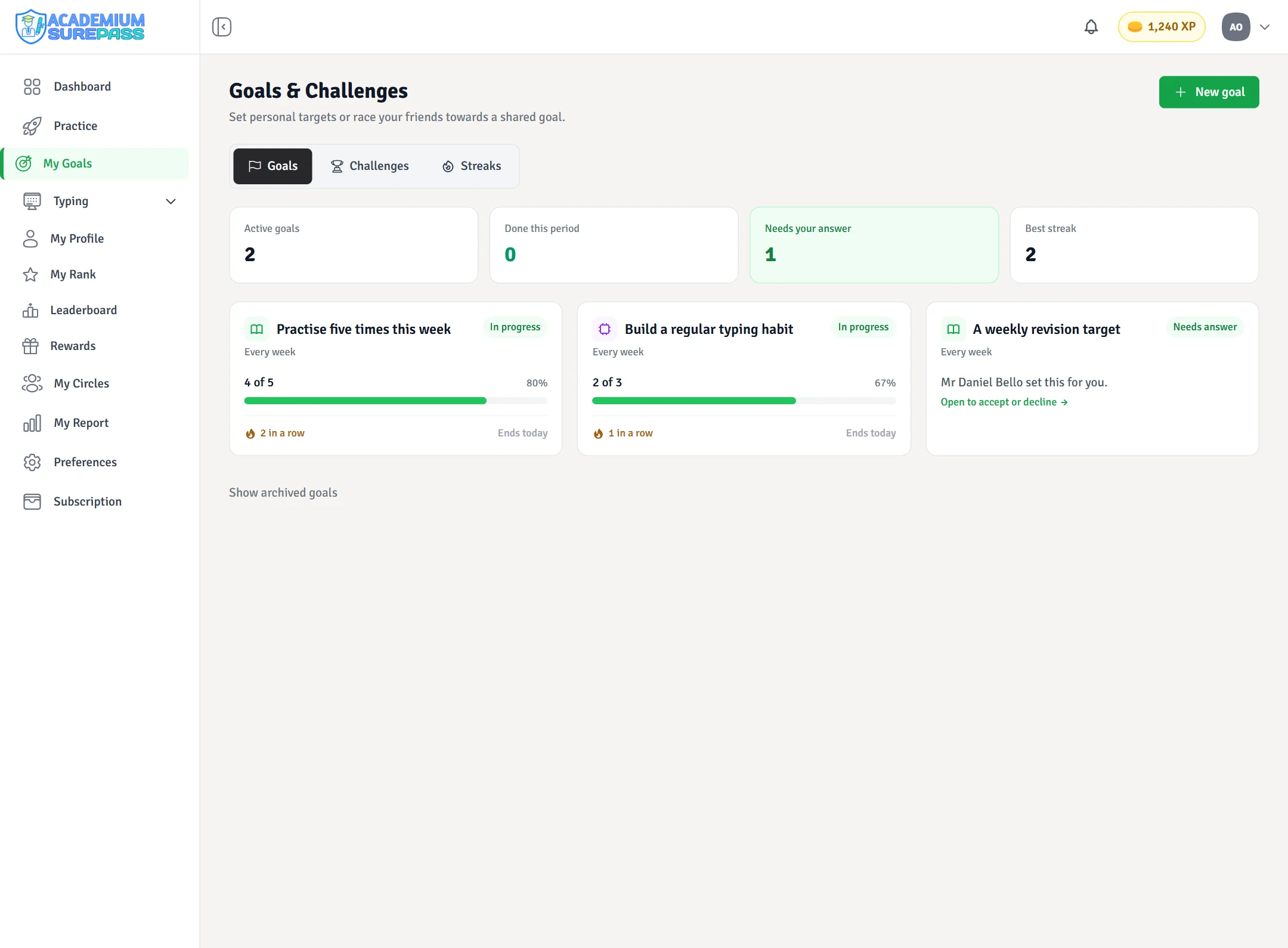
Use Goals & Challenges to set targets and follow progress. Switch between Goals, Challenges and, where available, Streaks on the same page.
Creating a goal
- On Goals, choose New goal.
- Choose what to count and the target.
- Choose how often it repeats, when it starts and an optional finish date.
- If you add several parts, choose whether every part must be done, any one part is enough, or progress is combined.
- Save the goal.
Available measures include practices completed, practice score, exams completed, study time, typing sessions, typing speed, XP earned and active days.
Check the creation allowance shown for your account. A lifetime allowance counts goals you have created; archiving or deleting an old goal does not return a place.
Following your goals
Open a goal to see its progress, periods met and history. Pause, Resume or Archive your own goals as needed. A repeating goal starts a new target period; its history helps you compare periods.
A goal counts the activity described in its rules. An exam target is not completed by playing a drill, and a speed target is not the same as time spent typing.
Goals from a teacher or parent
A proposed goal may Need your answer. Open it and choose Accept goal, or Decline and explain why. A declined goal is not tracked. Adjust the target only if the person who set it allows you to.
Challenges
On Challenges, review the rules before joining:
- A circle challenge is a race with invited friends.
- A wider challenge can have its own dates, target and standings.
- A weekly challenge, where offered, has a reward and an RP penalty that you accept in advance.
An invitation is not the same as joining. Use the action on the invitation to join or decline.
See Streaks and weekly challenges and My Circles.
Timed Bounty offers are separate from these challenges. See XP bounties.