Streaks and weekly challenges
Where these features are available, open Goals & Challenges. Use Streaks for daily consistency and Challenges for weekly offers.
Daily streaks
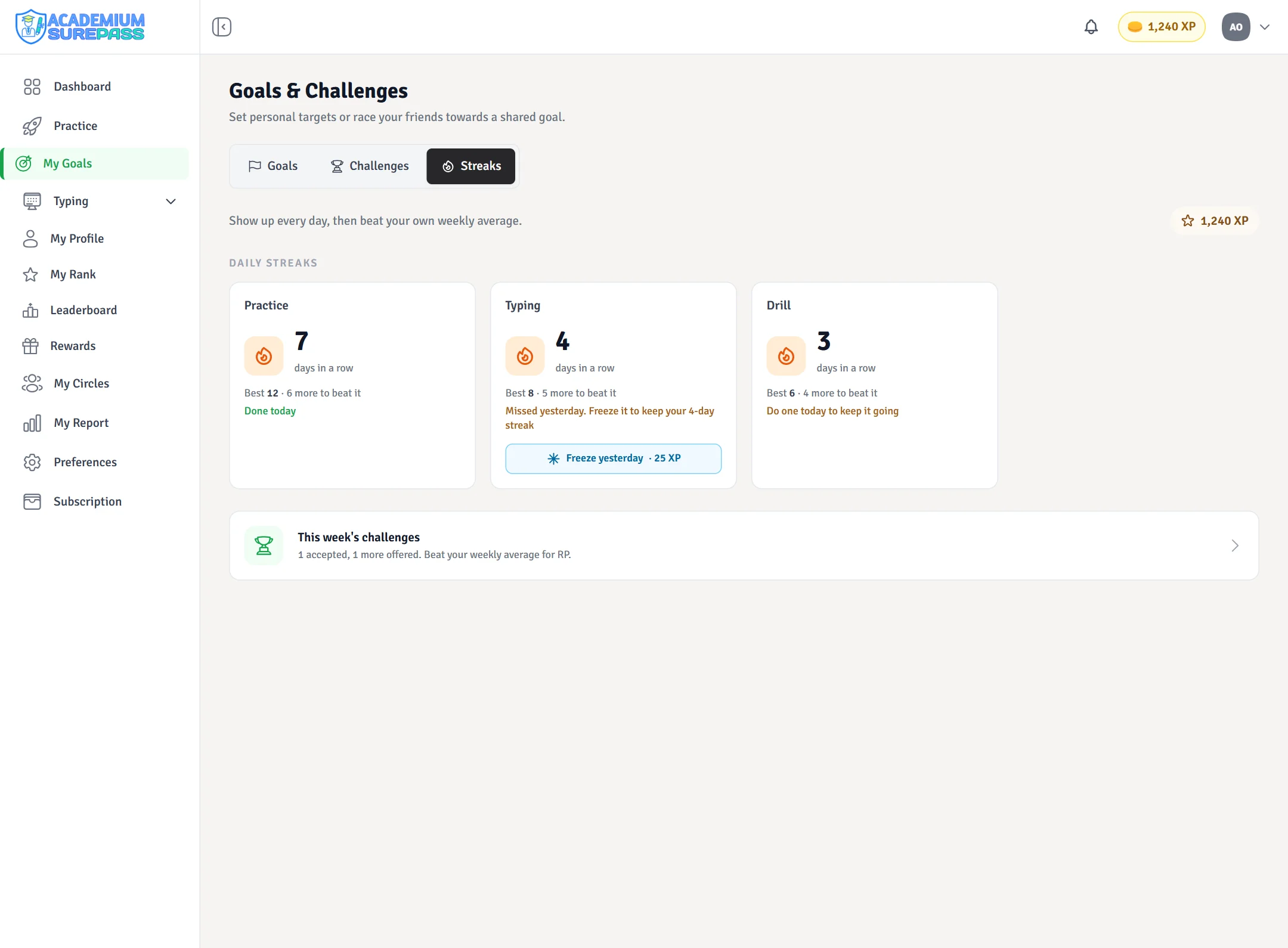
A streak card shows its activity, current streak, best streak and whether you have completed today's requirement. Read the activity on the card: doing one kind of work does not necessarily satisfy a different streak.
A daily streak is separate from getting several answers right in a row inside a drill.
Freezing yesterday
If you are eligible after missing yesterday, Freeze yesterday may be offered. Review the XP cost and confirm only if you want to spend it. The option is limited; it is not a way to fill any missed day in your history.
Weekly challenge offers
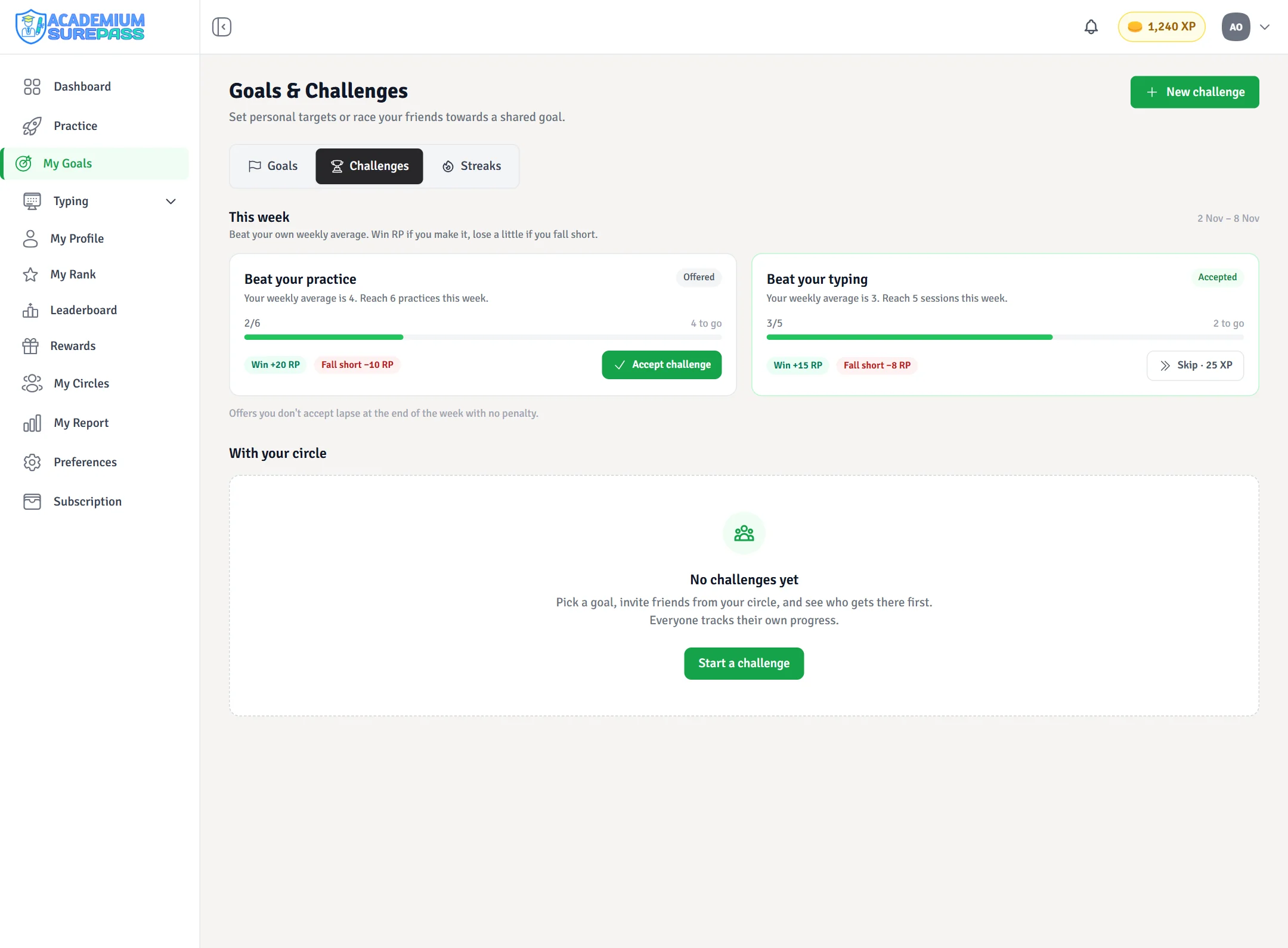
Weekly challenges use your recent activity to suggest a target. A new account may need more activity before it receives an offer.
Before accepting, read:
- the target and deadline;
- the RP reward for completing it;
- the RP penalty if you accept and miss the target.
Choosing Accept challenge commits you to those terms. An offer you do not accept can expire without that penalty.
If an accepted challenge offers Skip, read its XP cost before confirming. Skipping is different from leaving an unaccepted offer alone.
Checking the outcome
Look at the progress and previous weeks on the challenge panel. On desktop, reconnect and let your activity sync before judging a weekly result; unsent work may not yet be included.
If these tabs or offers are absent, they may not be available in your edition or account. Your ordinary goals still work according to their own rules.
See Rank & XP.