Login Requests
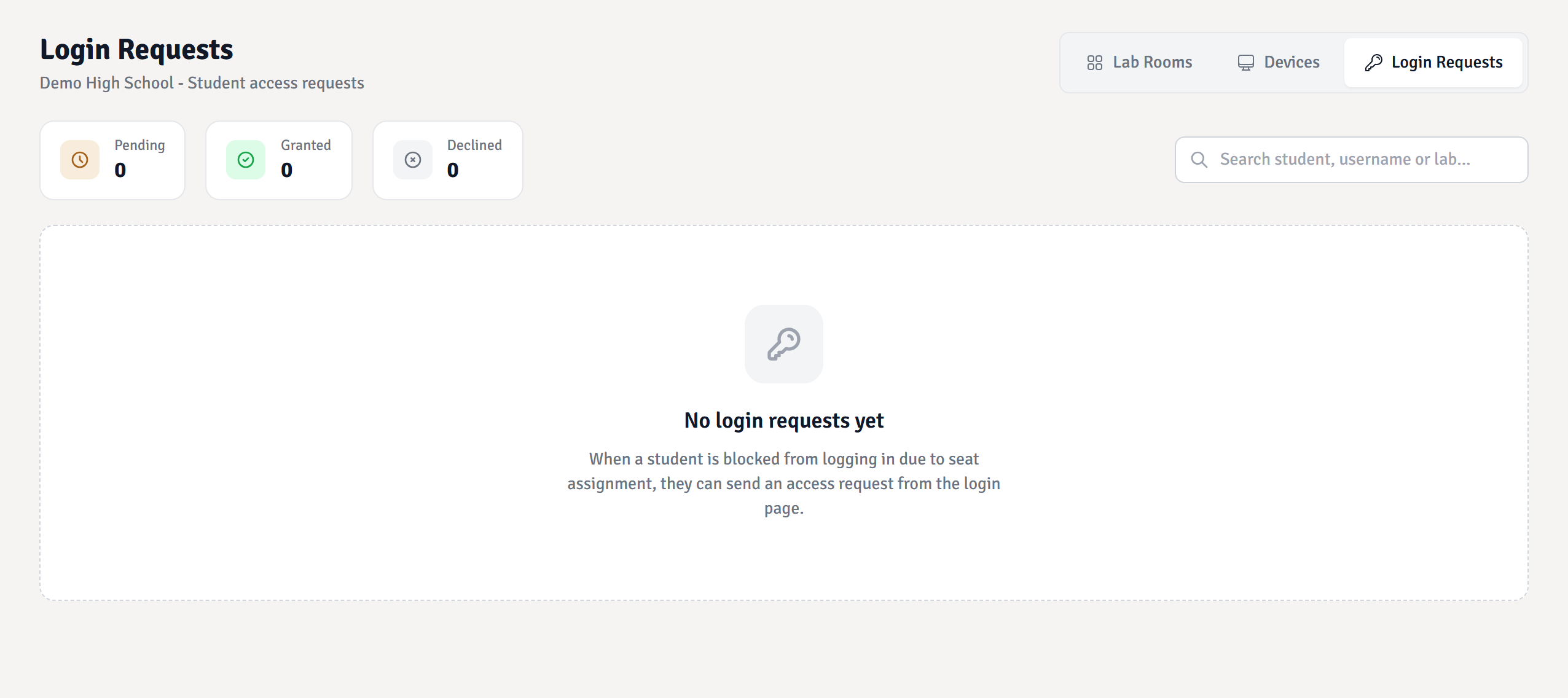
A student stopped by a seat-related sign-in restriction can request access. Staff review the reason before deciding whether to allow it.
Open Computer Lab → Login Requests, or review the access request from the student’s card in a live sitting where available.
Review before granting
- Confirm the student and the intended paper.
- Check the scheduled class and seat.
- Read the reason and compare it with the situation in the room.
- Correct a wrong seat assignment when that is the actual problem.
- Grant or decline the request deliberately.
A temporary access approval should not replace checking the student’s identity.
Available actions
- Grant / Approve access: allow access for the sitting. Add a note where offered.
- Decline: refuse the request, with a reason where offered.
- Revoke: end access that was granted.
Approval lasts until the relevant schedule ends. It does not permanently remove seat restrictions from the student’s account.
When a computer is faulty
Move the student to a suitable available seat using the sitting’s seat controls and enter the reason. Review their existing attempt before they continue.
See Watching a sitting live and Seating and temporary passwords.