Calculator and notepad
Academium has a calculator and a notepad built into the top bar, so you do not have to leave the page you are working on. Everyone who signs in can use them, and your notes and calculations are yours alone.
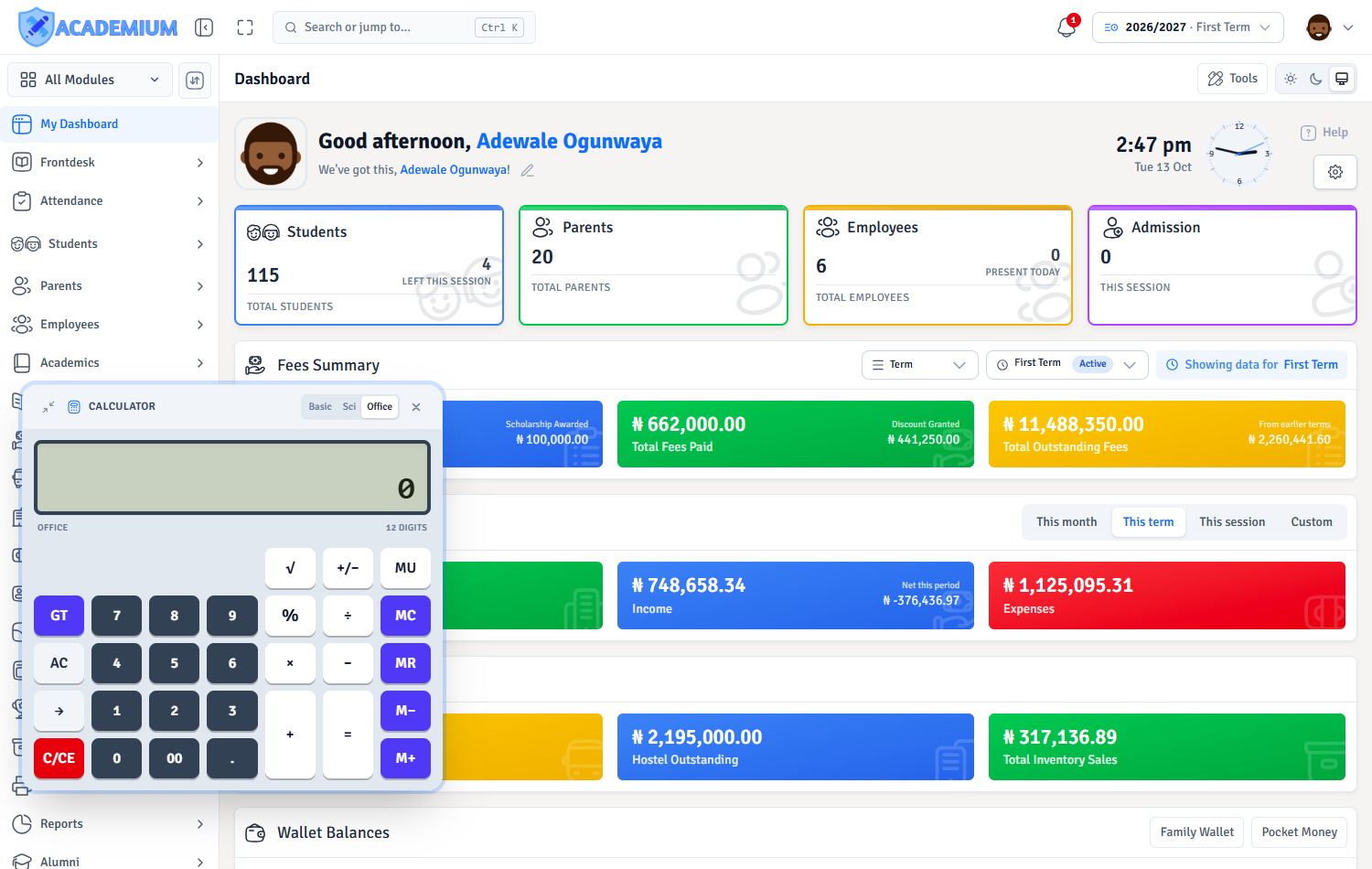
Calculator
Choose from three modes. Academium remembers the one you used last.
- Basic: everyday sums.
- Scientific: adds sin, cos, tan, log, ln, squares, cubes, square roots, π and e.
- Office: works like a desk calculator, with memory keys (MC, MR, M−, M+), a grand total (GT), a 00 key, and percentage and mark-up keys. In this mode, 2 + 3 × 4 = 20, as on a desk calculator.
You can type on your keyboard in every mode. Your last three results show under the display; click one to use it again. Academium keeps your last 20 calculations from the past 30 days.
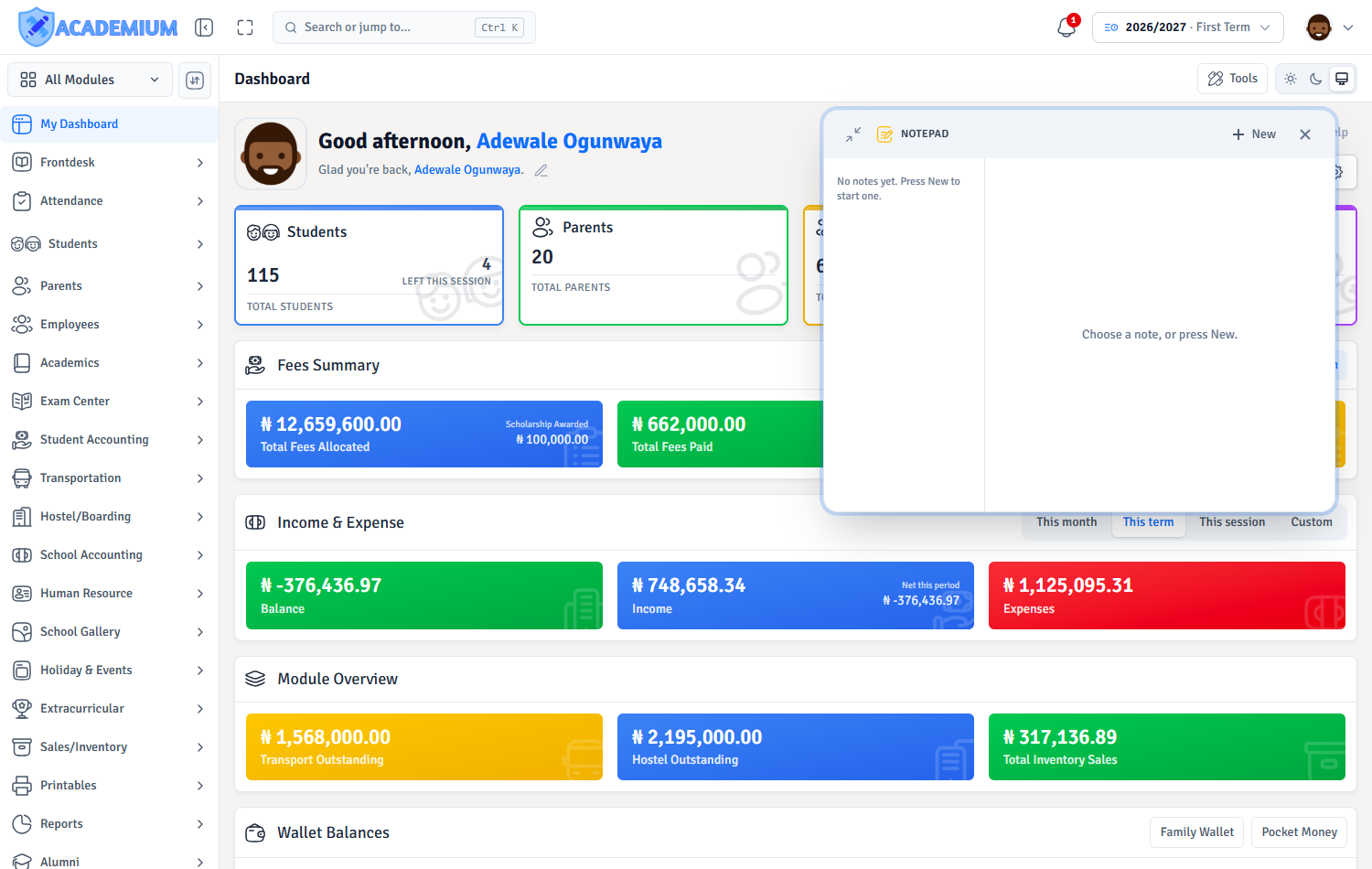
Notepad
- Keep as many notes as you like. Each is listed by its title, or its first words.
- Notes save as you type.
- Your notes follow you to your other computers.
- Delete a note when you no longer need it; Academium asks you to confirm.
Keeping them open
The calculator and notepad stay open as you move between workspace pages. Lock the application whenever you step away; unlock it with your own account before continuing. Minimise one to a round button at the bottom right, and click it to bring it back exactly where it was.
Works with other parts of SMS
- Open tools stay where they are as you move between pages and through the lock screen.