All Questions
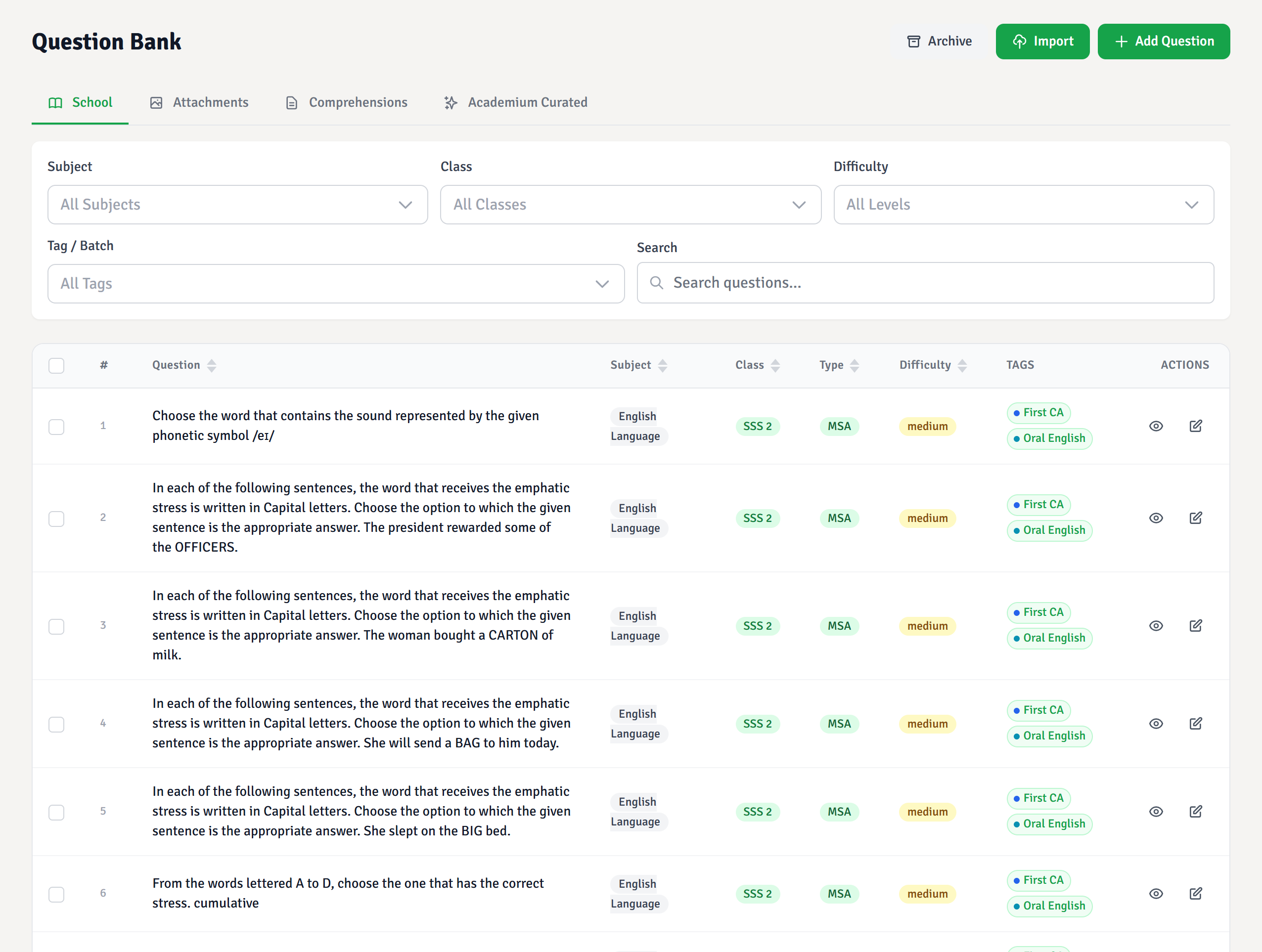
Every question used in a paper or practice set is selected from the available question bank. School staff open Question Bank → All Questions.
Find the right questions
Choose the available subject, topic, class, type, difficulty, source, year, and tag filters. Search the question text when you know part of its wording.
Clear filters before assuming a question is missing. A question in another class, an archived question, or one outside your access can be absent from the current list.
Work with the bank
| Area | Use |
|---|---|
| School Questions / My Questions | Questions created for your school or account |
| Attachments | Review questions that contain images |
| Comprehensions | Review passages together with their linked questions |
| Academium Curated | Find ready-made material available to your account |
| Import History | Check material brought into the bank |
The visible tabs depend on the account and enabled features. Past-exam learning material is available through Question Library where that feature is provided.
Add material
- Add Question starts a question form.
- Add Comprehension creates a reading passage and linked questions.
- Import uses a supported spreadsheet template.
- Archive lets you review material hidden from normal selection.
Read Adding a question, Comprehension passages, and Importing questions.
Review before using a question
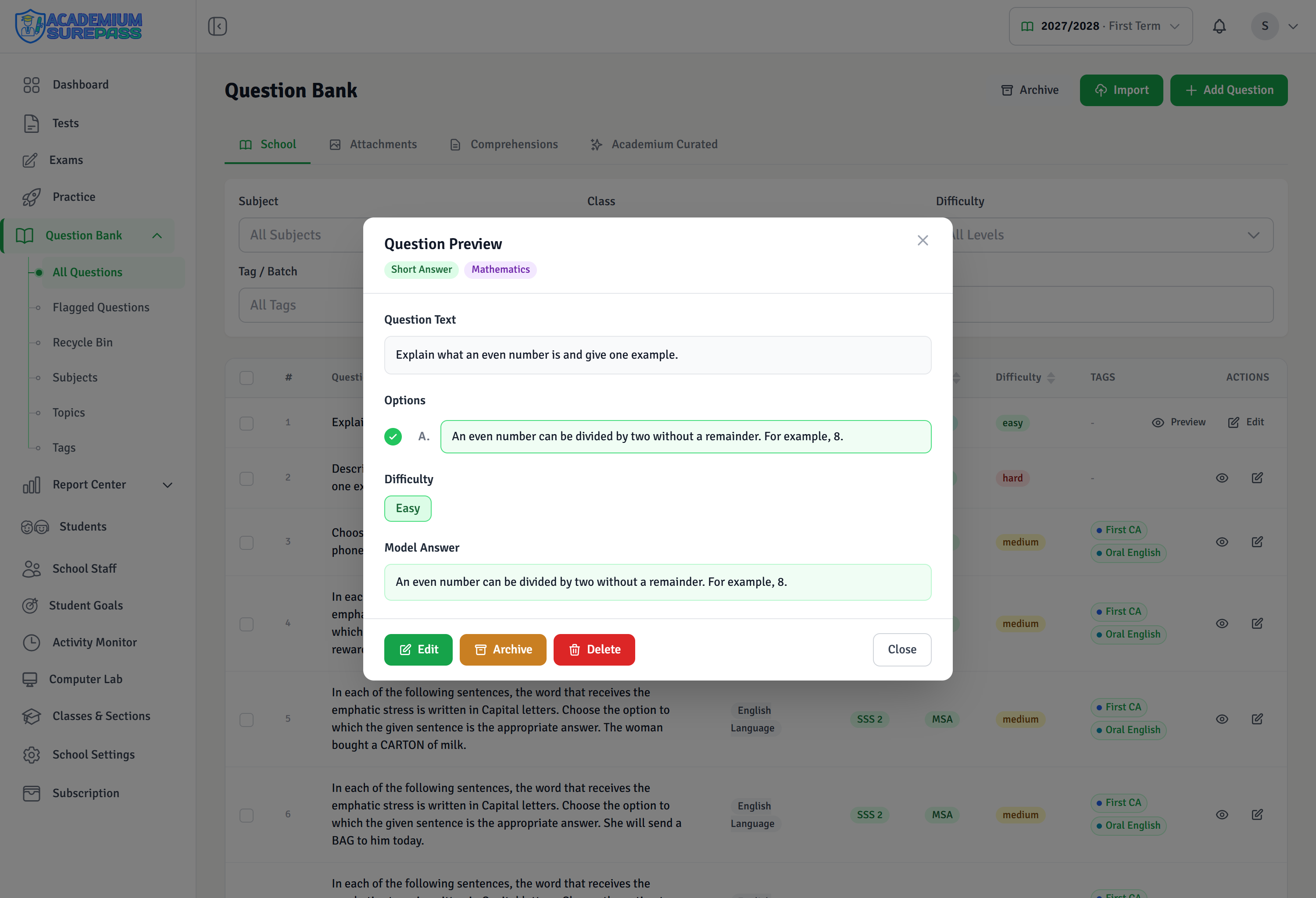
Check the wording, correct answer, options, explanation, subject, and class. For an image question, open the preview and check that the image is legible.
For theory questions, keep a clear model answer or marking guidance. For a comprehension, review the whole passage as well as each linked question.
School access and shared material
Instructor class scope can narrow the questions they can work with. School-specific questions belong to the school; shared library material is not edited in the same way as school-authored questions.
If Edit is unavailable, check the question’s source and your account access before trying to duplicate it.
See School Profile and settings and Adding questions to a test.