Typing Center
Typing well makes computer-based exams easier. Typing Lessons teach you to type faster and more accurately. Open Typing Lessons → Dashboard.
Setting up your keyboard
The first time, Surepass says Keyboard not configured. Type 5 keys and it works out your keyboard layout. Change it later from Keyboard settings.
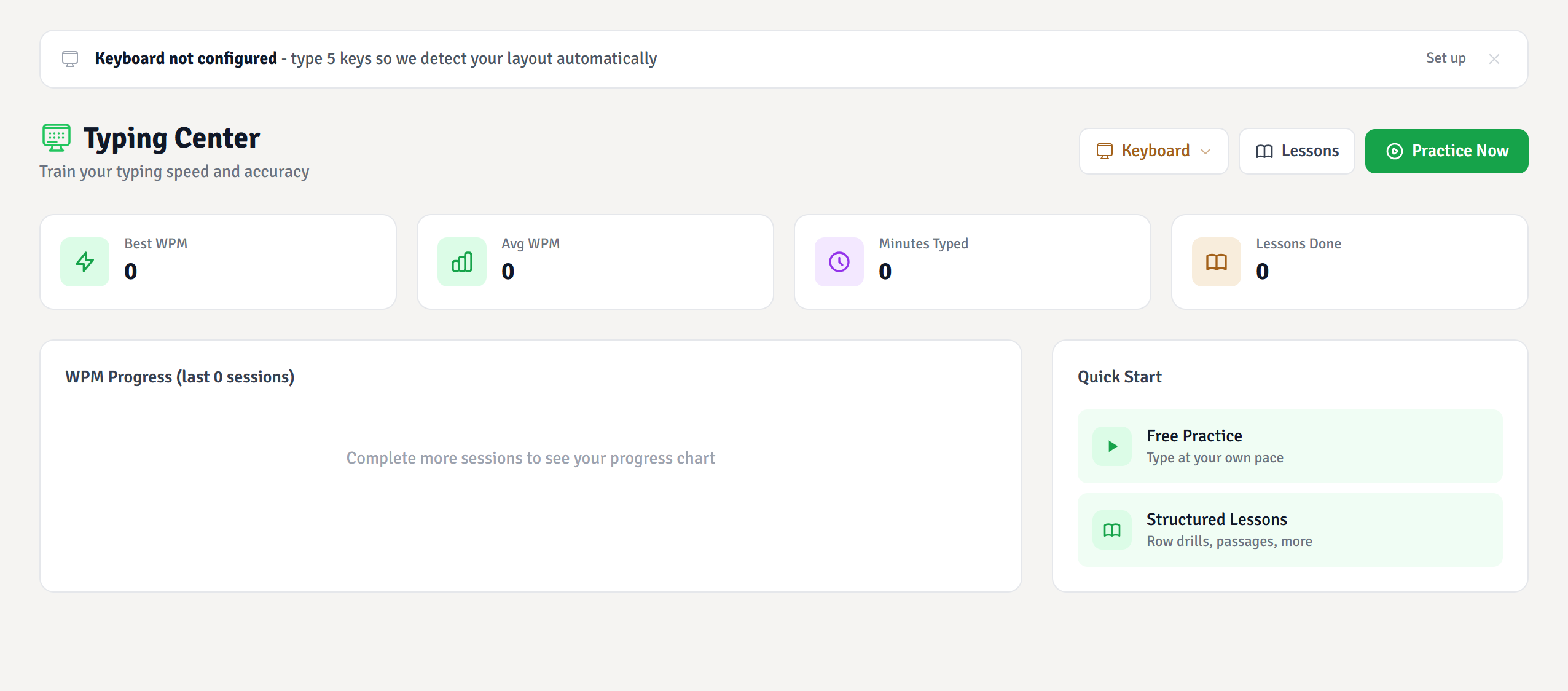
Your typing figures
Best WPM, Avg WPM (words per minute), Minutes Typed and Lessons Done, with a WPM Progress chart and your Recent Sessions.
Where to start
- Free Practice: type at your own pace.
- Structured Lessons: row drills, passages and more.
Typing has nothing to do with your test or exam marks.
Access to typing tools
In the Individual Edition, access to Structured Lessons is separate from the other typing tools. A lesson restriction does not mean that all typing is locked. Use Free Practice and the other tools available to your account. School or guardian settings can also affect which options appear.