Lessons
Open Typing Lessons → Lessons. Lessons go from beginner rows to advanced speed passages.
Each lesson shows its WPM target, your Best WPM, Accuracy and number of Attempts, or Not started yet.
Taking a lesson
- Click a lesson.
- Type the text shown. Correct letters and mistakes are marked as you go, and your speed and accuracy update live.
- The lesson ends when you finish the text.
You can retry a lesson as often as you like.
Office Training lessons teach Microsoft Office basics, such as formatting text.
Typing needs a desktop or laptop: on a phone, Surepass shows Desktop Required.
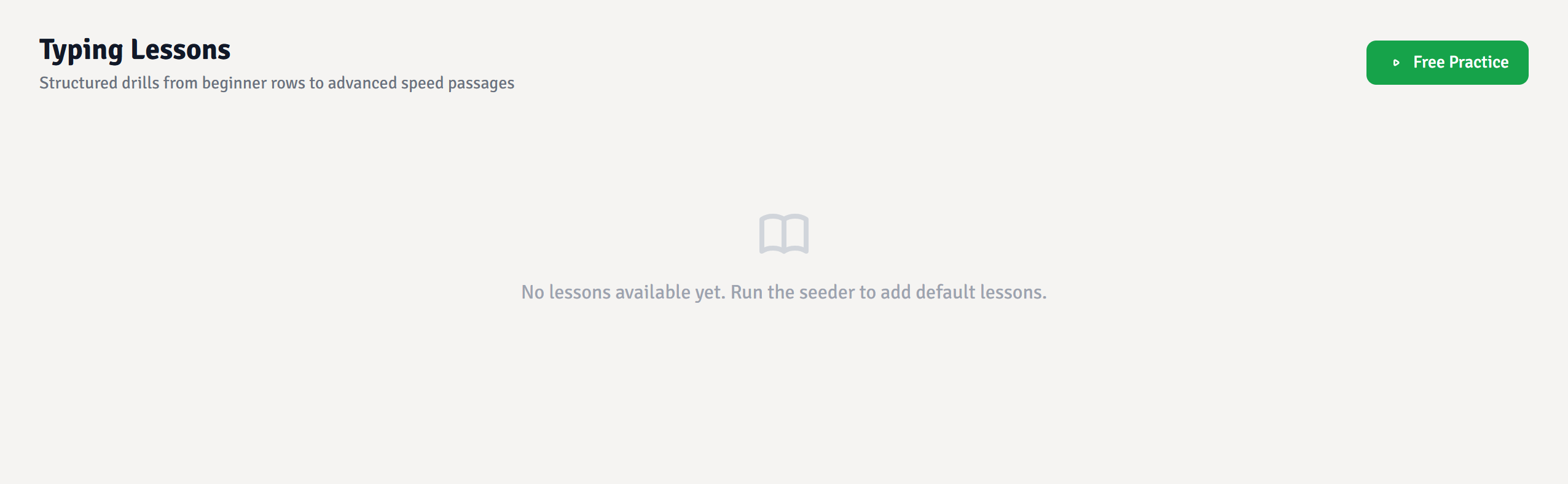
If lessons are unavailable
Structured lessons have their own access rules. If you see a lesson restriction, return to the Typing Center and choose an available tool such as Free Practice. You do not need to unlock lessons just to use every other typing tool.