Preferences
Open Preferences from the account menu. The page brings together practice tools and learning choices; its controls depend on who manages the account.
Practice Preferences
Choose whether Calculator and 4-Figure Mathematical Table are offered when you build personal practice sets. These preferences do not override a teacher's tool rules for an assigned test or exam.
Learning Preferences
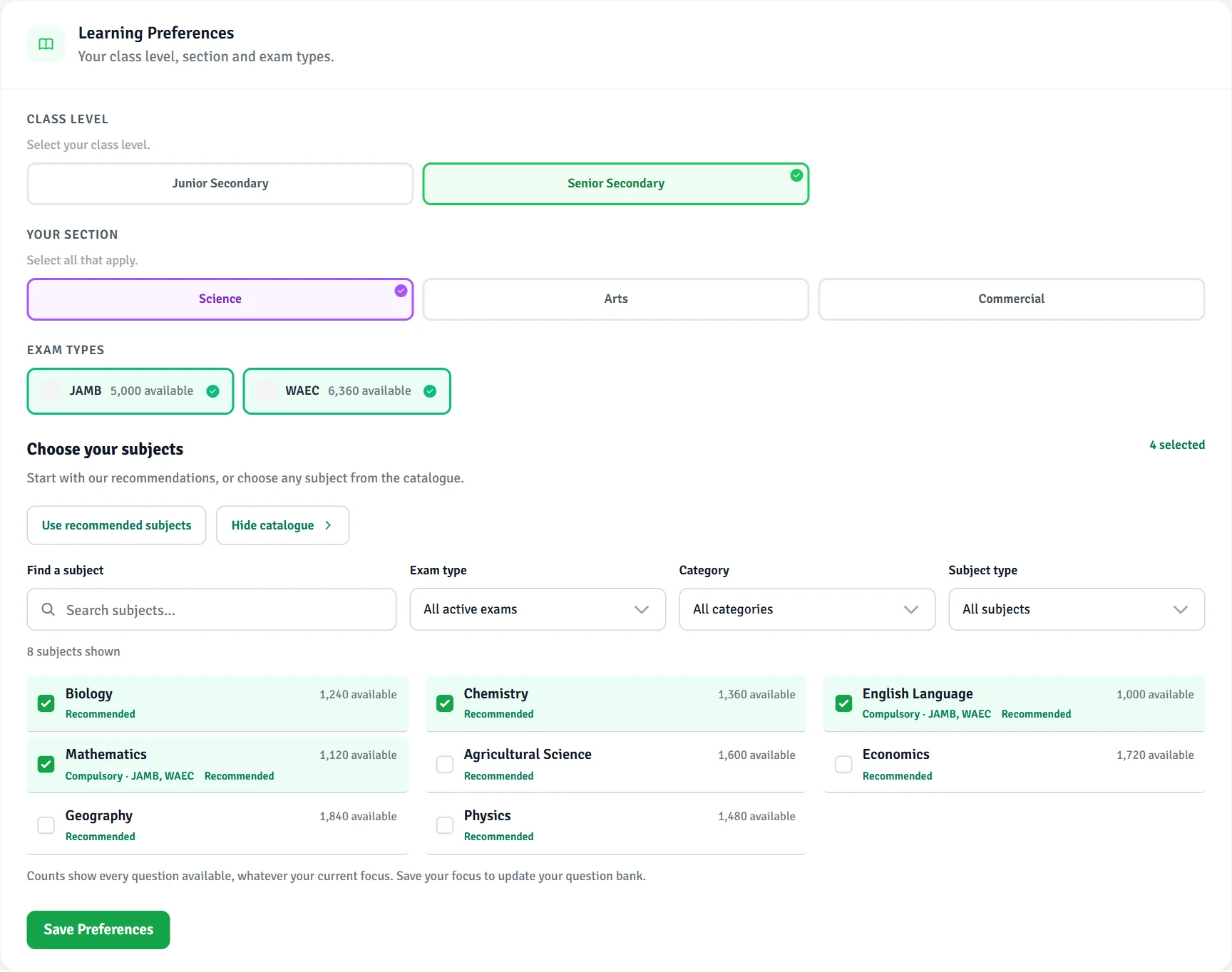
Choose the class level, section where offered, exam types and subjects that guide practice. The subject catalogue is not restricted to the recommended section. It shows available certification subjects with counts and puts selected subjects first.
Search and filter the list, or choose Use recommended subjects. See Your learning profile for the complete walkthrough.
The catalogue can show online questions not downloaded to your device. Your Question Library follows the active focus and the questions your account can use.
Save changes
Choose Save Preferences. On the Individual Edition, a new focus stays pending while matching questions are prepared. Offline, the current focus keeps working until you reconnect and preparation finishes.
If a change allowance is shown, check it before saving. Switching between different choices can use that allowance; resaving unchanged choices does not.
Parent and teacher controls
Where offered, parents and independent teachers manage Circles, Activity Monitor, Reward Purchases, practice tools and learning choices for their children or students. Students may need to ask them to change a locked preference.