Managing students
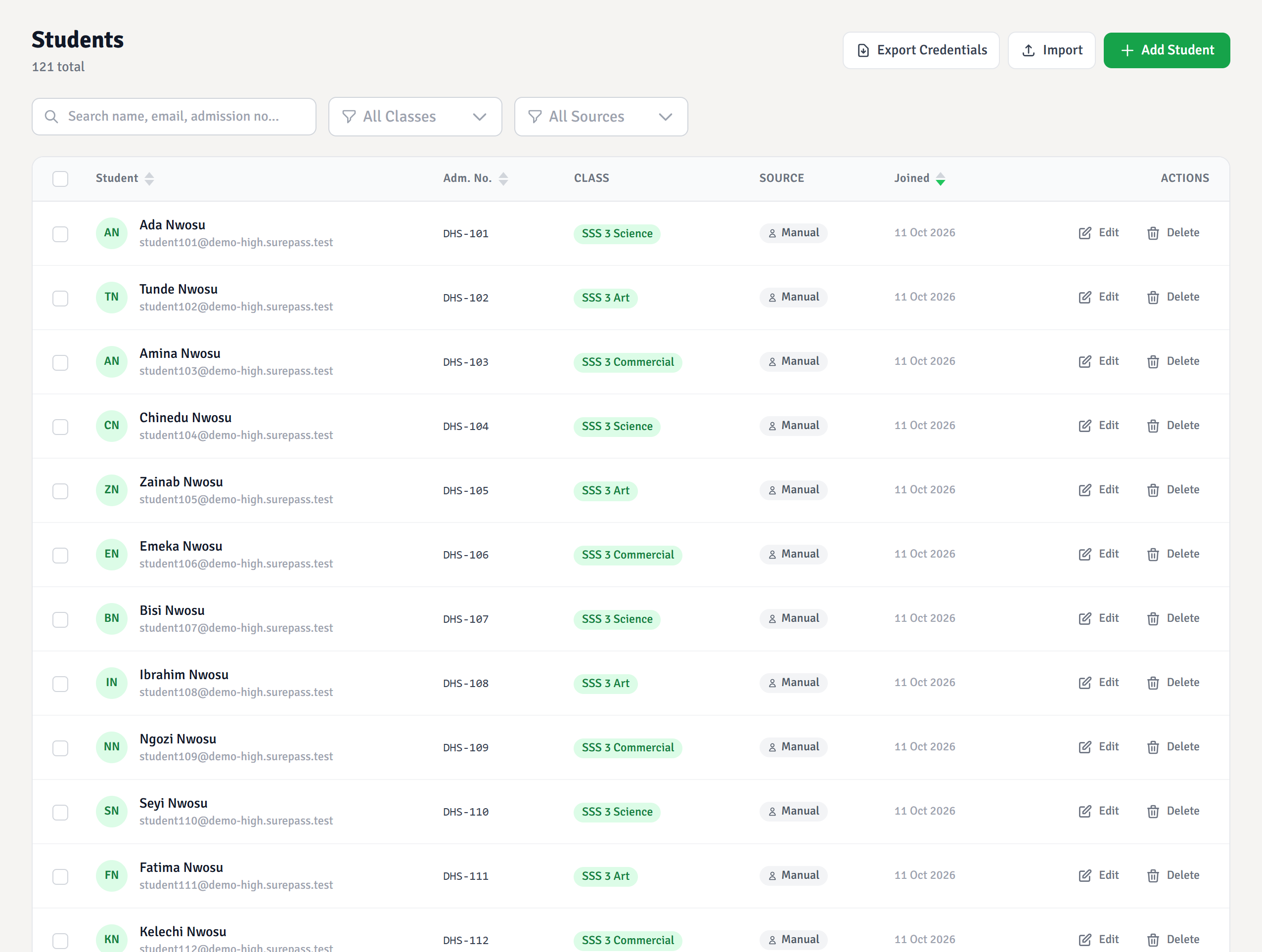
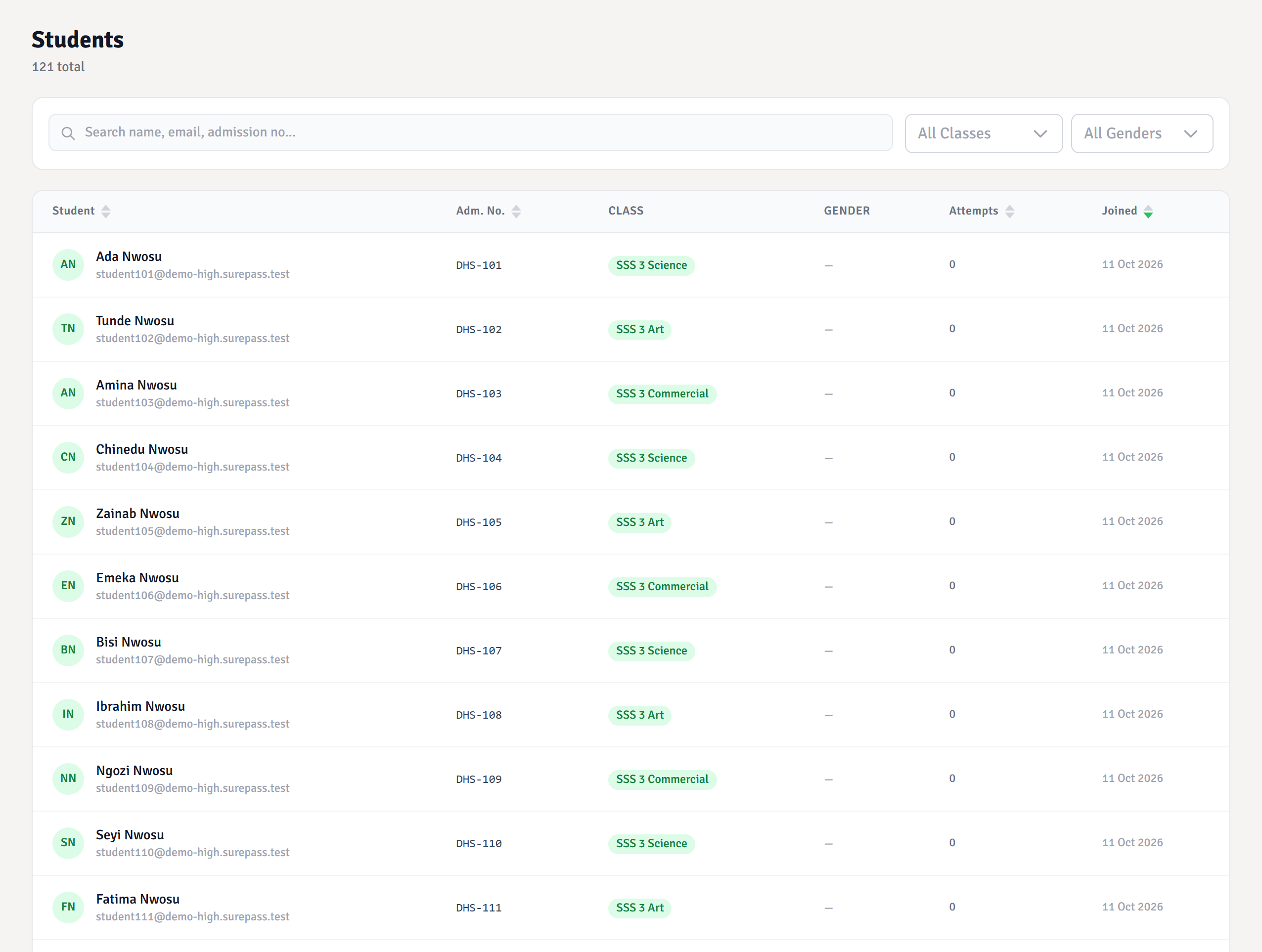
The Students page lets school staff check student records and class placement before papers are scheduled.
School Owners and School Admins manage records. Instructors use their student list to review the students visible to their account.
Find the student first
Search by the identifying fields available on the page and filter by class, source, or status. Confirm the admission number and class before opening a record, especially when students have similar names.
Clear filters if an expected student seems to be missing.
Edit a school-managed student
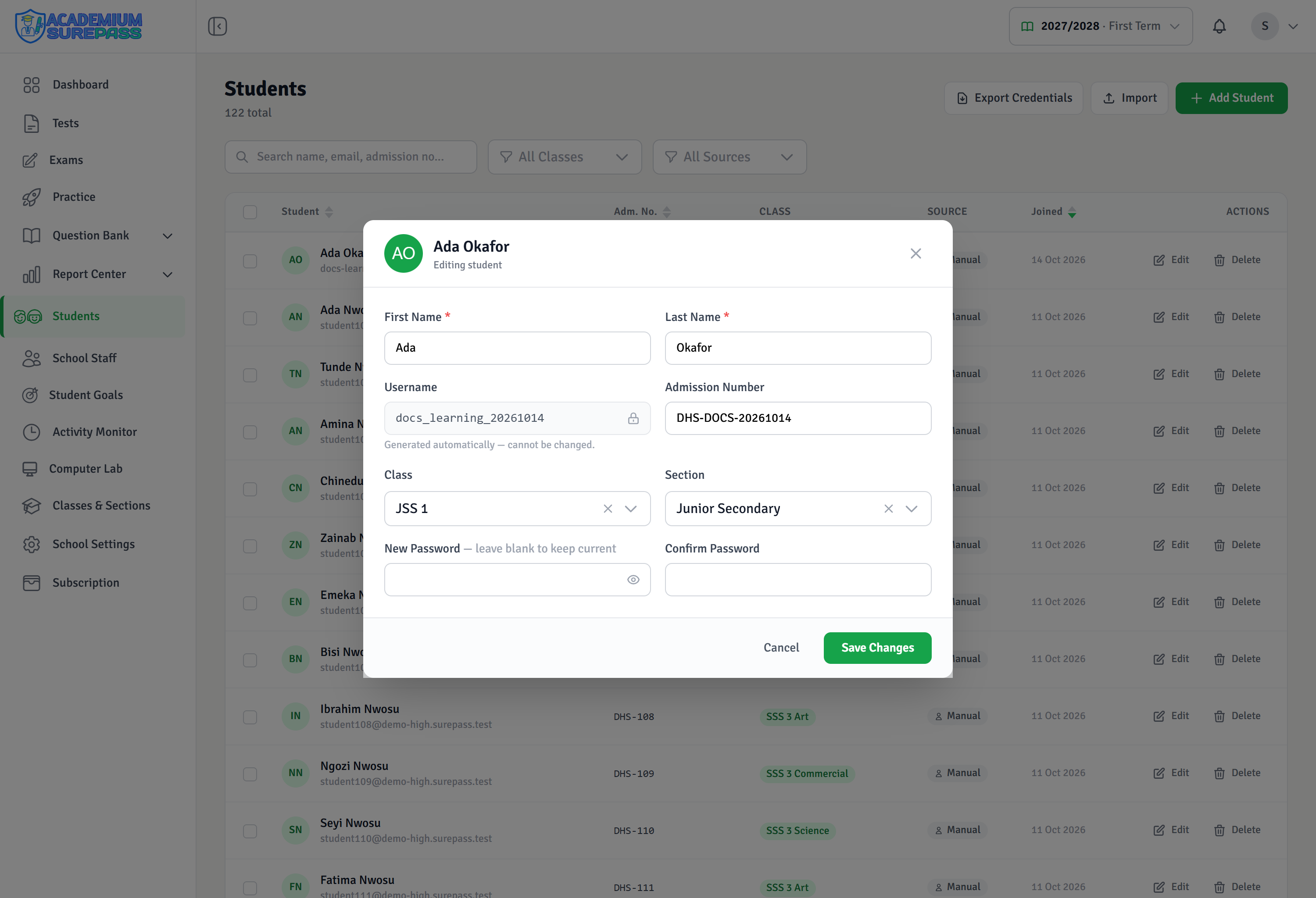
Open Edit and update the available name, admission number, class, or section fields. Leave the password fields blank if you are keeping the current password.
A student’s username is their sign-in identity and cannot be changed from this form.
After moving a student into another class, check the class and section used by the intended test or exam schedule.
Reset a password
Use New Password and Confirm Password in the edit form. Give the replacement password to that student privately.
A password reset is different from resetting a home-access code or generating a temporary exam password. Use the credential type needed for the task.
See Student sign-in details and Seating and temporary passwords.
Records from Academium SMS
Students imported from SMS show their source. Maintain the source record in SMS and use the appropriate import or refresh in Surepass.
Check that the existing student has the correct SMS link before sending their results back.
Removing a student
Review the student’s assessment and reporting history before using Delete. Check every selected row before confirming a bulk action.
Do not delete and recreate a student to fix a password, class assignment, or seat problem. Update the existing record or use the sitting’s access controls.
Common questions
Why can the student sign in but not see a paper? Their class or section may not be included, or the schedule may not be open. See School troubleshooting.
Why can I view students but not edit them? Instructor access differs from the school management roles. Ask a School Owner or School Admin to make record changes.