School setup checklist
Prepare the academic records before asking staff to create papers. A correct class list and active term help students see the right sitting and put scores in the right reports.
Academium Plus can prepare a supported Surepass setup with a preconfigured server, lab computers and a school network suited to your needs. Ask for equipment advice and help with installation and configuration.
Request a free setup quote.
First-time setup
A new school may open the guided setup for Session, Assessment Types, and Classes & Sections. Review its suggestions before accepting them.
The guide prepares the school structure. You still need staff, students, questions, and the lab arrangements used for your first sitting. See The school setup guide.
If records are managed in Academium SMS
Open Academium Sync when the school connection is available.
- Check the active Session & Terms, Subjects, and Exam Halls.
- Import or refresh Classes & Sections.
- Import Students for the intended classes.
- Import Staff and review their class assignments.
- Check the imported names and counts before proceeding.
A Managed by Academium label means the record should be changed in SMS, then refreshed in Surepass. Avoid creating a second copy manually.
See Importing from Academium SMS.
If the school manages records in Surepass
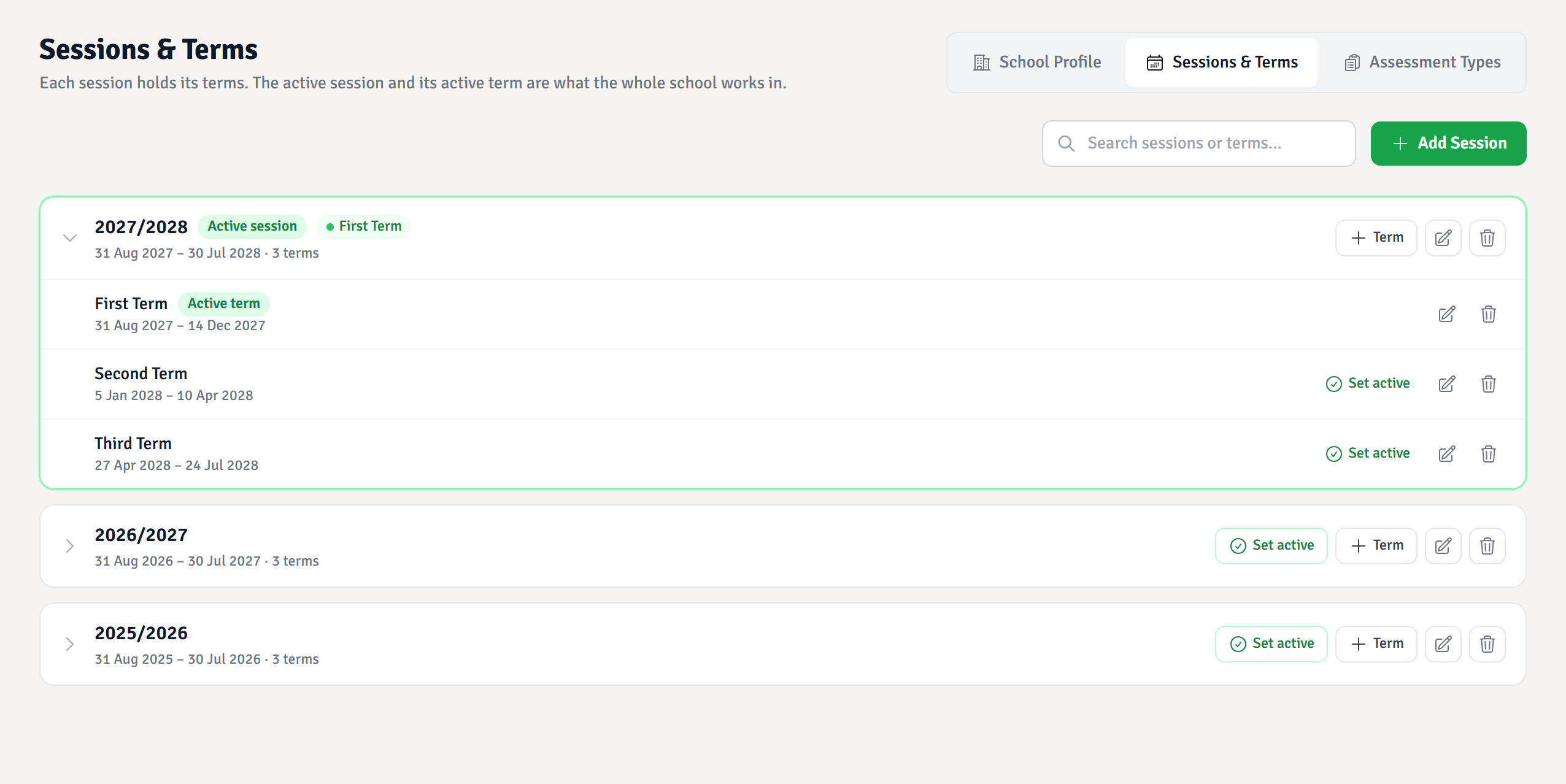
- Open School Settings → Sessions & Terms. Create the school year and its terms, then confirm the intended active session and term.
- Open Assessment Types. Prepare the mark components used by the school, such as 1st CA, 2nd CA, and Exam.
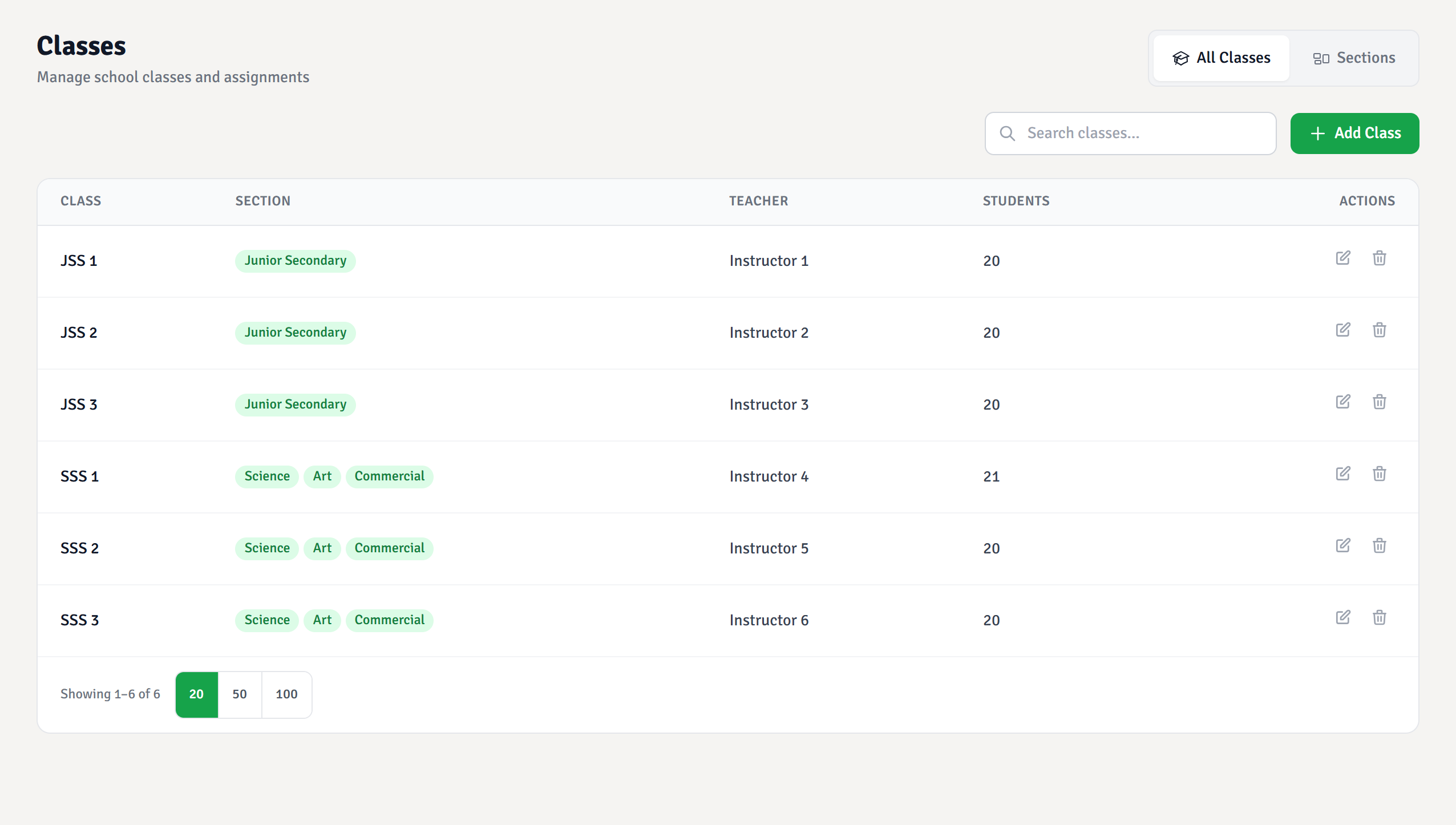
- Open Classes & Sections. Create sections before the classes that use them.
- Open School Staff. Add instructors and admins with individual sign-in details.
- Open Students. Add or import the students and check their class and section.
For every school
- Check Question Bank → Subjects, then add or review questions for the first paper.
- Review School Profile → Settings, especially instructor class scope and content visibility.
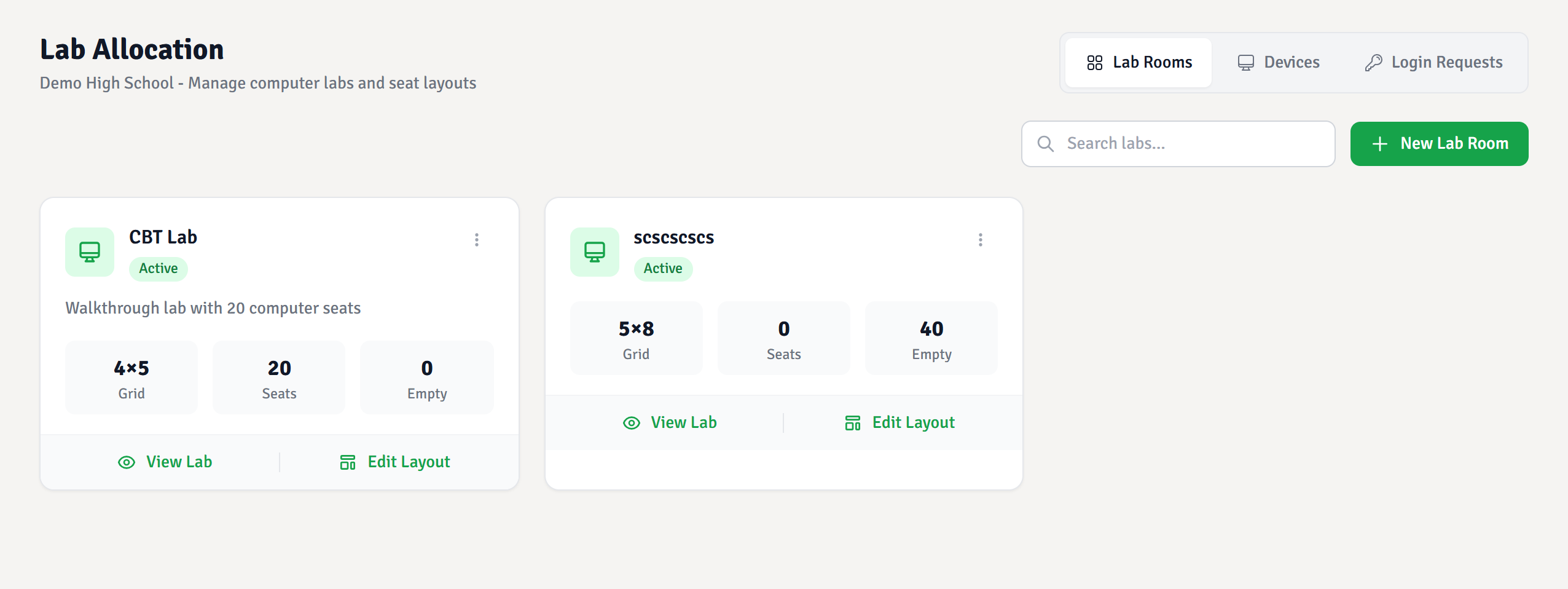
- Create or review the Computer Lab rooms and seats. Confirm the computers can reach the school server.
- Prepare student credentials and any temporary-password dockets required by the sitting.
- Run a short trial using Your first school assessment.
- Confirm that submission, theory marking, and Student Results work as expected.
Ready to begin?
The school is ready when the active period is correct, students are in their intended classes, staff can access their work, and a trial paper has been completed and checked.